Hey so, I just had to stop and remove my docker containers for nodes, because I needed to change one parameter in the setup, but when I recreated the nodes, they have older version now. Before I had like almost all my nodes on 1.155 version, but now they’re all on 152.6, and they’re running with no errors.
in the docker command I used this parameter --name storagenode1 storjlabs/storagenode:latest
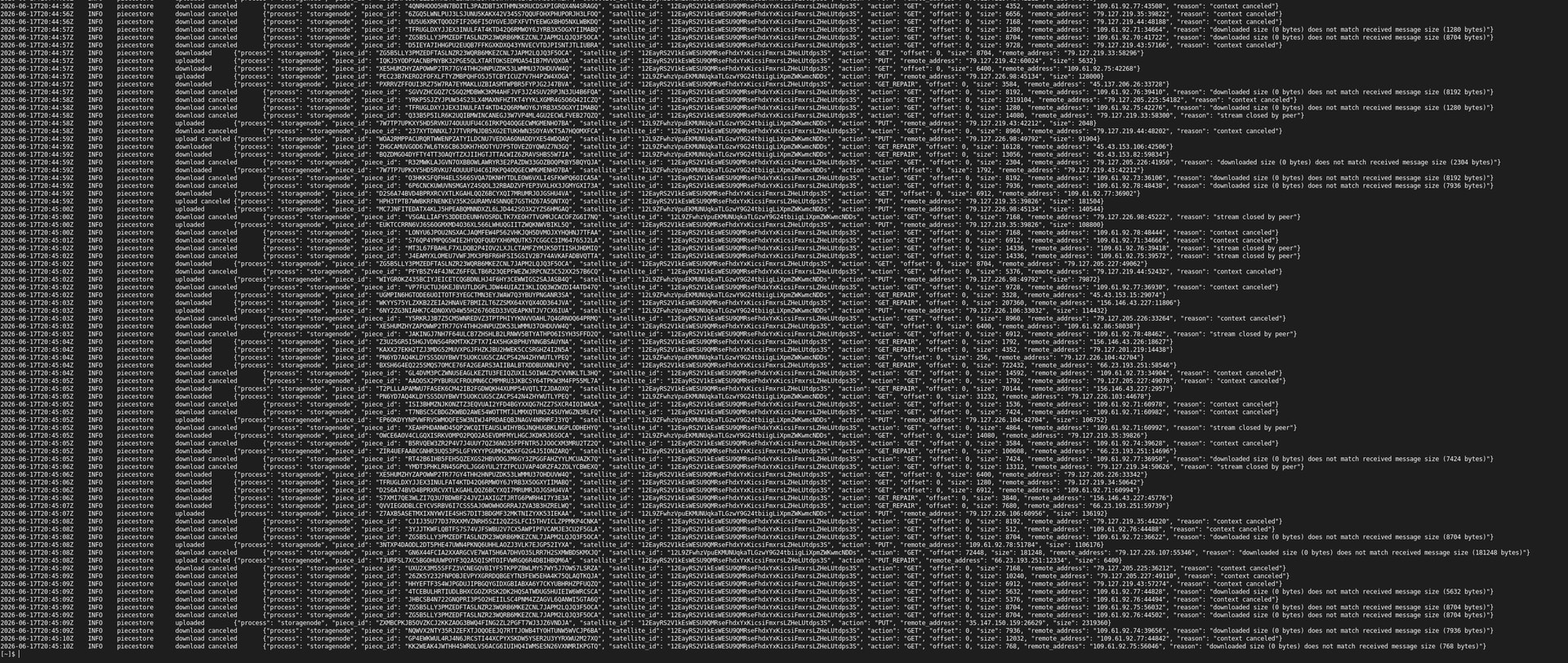
the nodes just went back with versions, also I checked logs and I get like a tons of download cancelled and upload cancelled, the only actions that go through are get_repair and put_repair, rest is cancelled…
Also all nodes that were stopped and removed, all their versions went back to the old one and they’re not receiving any data, its all cancelled now, only repair
Ok I think I just overreacted here, I think its all fine, I just had some connectivity issues and it might be affected and just in bad time, Im getting downloads fine now.
So this looks like normal behaviour, but I was surprised that the version of all nodes went few versions back, I checked version.io and it looks like this is the minimal version so I think everything is fine.
But I mean they’re working fine, they just all reverted back to previous version which to me was very suspicious, im getting data etc
#Edit 2
btw I have my storagenode file binary in other localization, usr/local/bin/storagenode, dunno if it matters, but I had recently upgraded my system to a debian 13 which could maybe break something here?
So, you do not use a Docker version, but the binary version with services? Otherwise I don’t know why you also have the binary on your host.
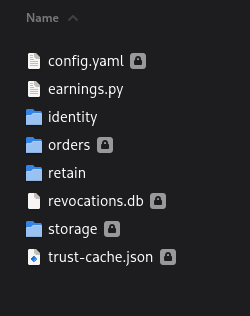
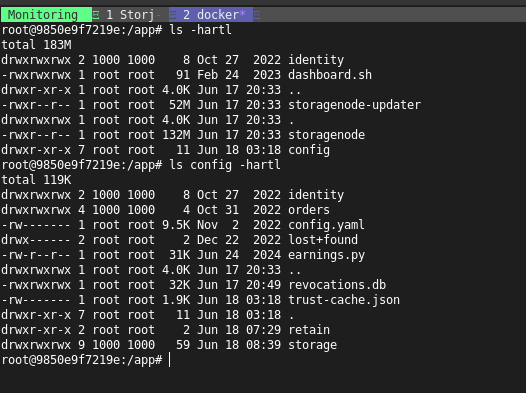
The latest docker version should create a binary subfolder in the /app/config/bin location in the container, if you mapped /mnt/storj/ as /app/config, then the bin subfolder will be /mnt/storj/bin on your host.
I just want to get steps to reproduce and confirm a bug. I do not expect a rollback just on restart, while your node is upgraded automatically using our storagenode-updater.
Long time ago I had this case, where the nodes reverted versions too, but it was on much smaller scale and there was a bit different issue related to that
It’s easy to check - you may compare the hash of the image on the server, where you do not have a bin subfolder with the image on the server, where you have it.
Or you may just do docker pull storjlabs/storagenode on your server without a bin subfolder, it will pull a newer version of the base image. It also mean, that you do not run a watchtower container.
After pulling a new version you need to stop and remove the container, then run it back using all your parameters.
thanks,
Yeah I inspected the image and the one I had was from 2024-february, but the newest one is from 2024-october, which means I had older one, but the weird thing is that I used flag --name Node storjlabs/storagenode:latest - so I thought everytime this is setup the docker would check the version on the server and use the latest one, dunno why it didn’t automatically download a newer version if there were one.
I can confirm this was the cause, I inspected both versions and the new version has the parameter in json
“BINARY_STORE_DIR=/app/config/bin”
and the previous one didn’t have that. So that was the case here.
Thanks for help
#Edit
Just verified and now I have both /bin folders on my drive where the storage is and inside of the container also
It doesn’t work like this. If you use a tag :latest it will not pull new version of the image, if you already has it on the host.
This is why the recommendation to run a watchtower is still in place.
This article has existed since the beginning. Without Watchtower, the storagenode couldn’t be updated. Later, we added storagenode-updater to the same container, and now the storagenode is updated automatically. Updating the base image using Watchtower is no longer as important as it once was, but we still recommend running it.
My first node was setup in march 2022, there was nothing regarding this watchtower in the old docs when I setup the node, im 100% sure. Otherwise I would make a note regarding this in my own docs