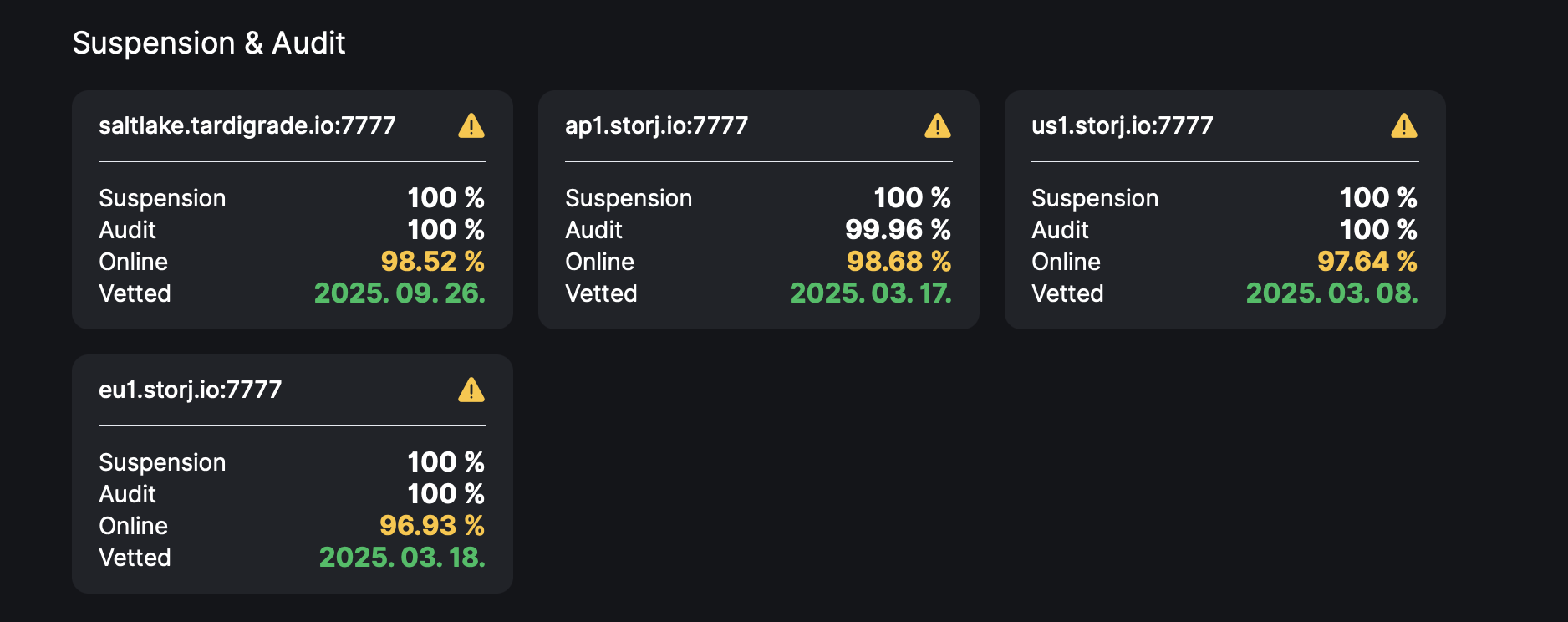
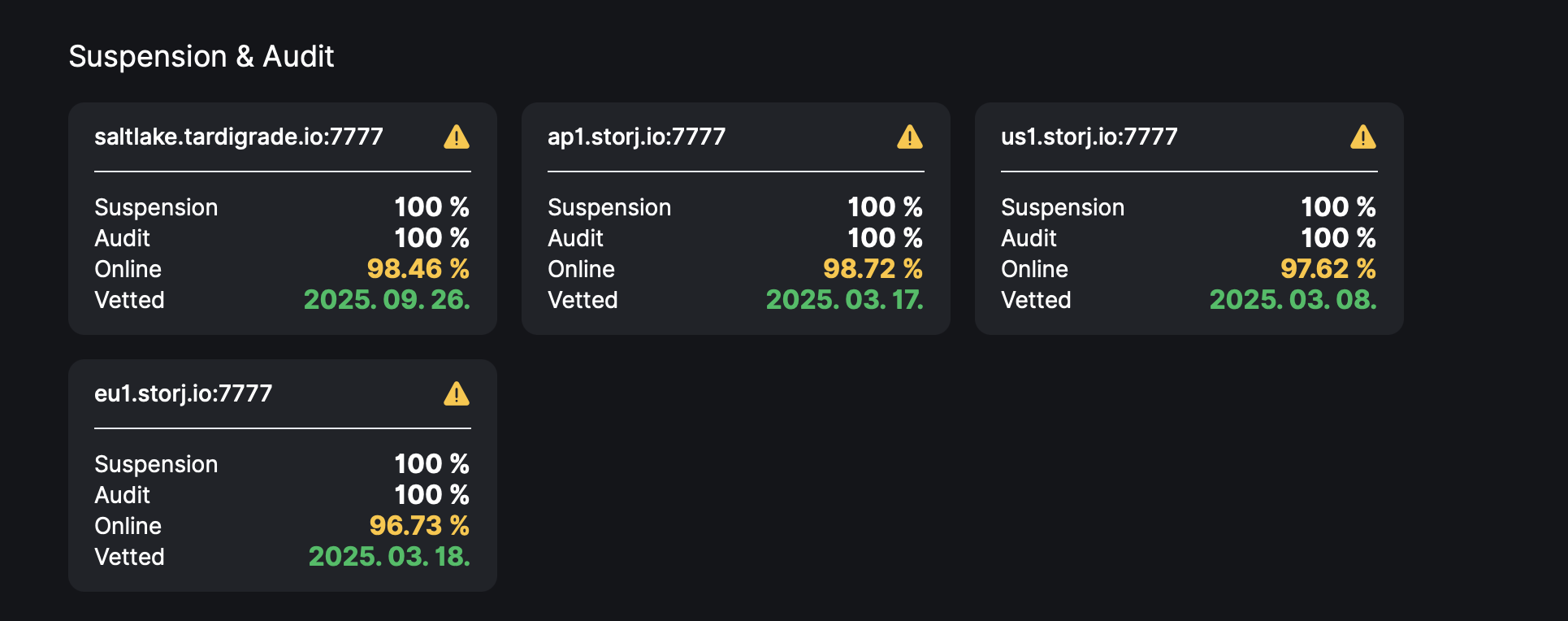
Two days ago I migrated my 16-month-old Storj node to a different machine.
Unfortunately, before I identified the root cause, the new system experienced three BSOD crashes caused by a memory-related hardware issue. The memory problem has since been resolved and the system is now stable.
After the crashes, I noticed a large number of migration-related errors in the logs, primarily hash mismatch errors and messages such as:
“PieceHeader framing field claims impossible size”
The HDD appears to be healthy:
SMART and disk diagnostics completed without errors.
The filesystem is intact and does not appear to be corrupted.
I have already deleted the entire database and allowed it to rebuild.
The filewalker has completed successfully.
The node is otherwise operating normally.
My assumption is that one of the BSOD events occurred while migration-related read/write activity was in progress. As a result, the migration process may have encountered inconsistent or corrupted pieces that are only being detected now.
My question is:
Can this situation recover on its own, or is there a recommended way to repair these migration errors?
Has anyone experienced similar hash mismatch / PieceHeader errors after unexpected crashes during migration? If so, how was the issue resolved?
I’ve seen even otherwise healthy nodes report issues with some .sj1 files during migration. Just let the migration complete… and when it finally stops logging “processed a bunch of pieces” messages… go look in files/config/storage/blobs.
You’ll probably see a few MB of leftover .sji’s that it had problems with. They won’t be enough to cause meaningful issues with audits. Just stop the node, “rm -rf files/config/storage/blobs/*” and start the node again. Don’t worry about it.
I think a lot of nodes… for one reason or another… are holding a few malformed sj1s… but out of millions of those files they just weren’t noticed until the conversion touched them.
About half a year ago this node suffered an NTFS/MFT corruption event on the storage drive. Chkdsk repaired the filesystem and the node continued operating normally afterwards. My suspicion is that these 437 pieces may be leftovers from that old filesystem corruption and the migration process is now the first operation that actually touches and validates every one of them.
My questions:
Is it possible that piecemigrate is stuck retrying these same 437 corrupted pieces indefinitely?
Is there a supported way to mark these pieces as lost/corrupted and allow migration to finish?
Would moving these 437 .sj1 files out of the blobs directory (instead of deleting them) be considered safe for testing purposes?
Has anyone seen migration blocked by a very small set of corrupted sj1 files like this?
If the node is still logging “processed a bunch of pieces” entries… then it’s still going and converting other sj1’s. However if you only have 20.7MB left it sounds like it’s done all that it can.
stop the node
“rm -rf files/config/storage/blobs/*”
start the node
I’ve had this happen on several nodes… where there’s only a few MB left and every log entry about migration complains about the few files left. Just delete them: migration complete!
After several days of troubleshooting a hashstore migration issue, I may have finally found the root cause.
The node was repeatedly reporting:
couldn’t migrate
hash mismatch
The migration summaries showed:
~91,000 migration failures
~90,000 hash mismatches
437 unique failed pieces
It appeared that the migration process was getting stuck retrying the same corrupted pieces over and over again.
I extracted all failed piece paths from the logs and moved the 437 affected pieces into a separate quarantine folder (E:\HIBAS_437) so they could be restored later if necessary.
After restarting the node, the results look very promising:
hashstore opens successfully on all satellites
logs_mismatched: 0
the migration chore starts normally
old empty blob directories are automatically cleaned up
no new “hash mismatch” errors
no new “couldn’t migrate” errors
Current migration cycle output:
2026-07-19T07:23:49+02:00	INFO	piecemigrate:chore	enqueued for migration	{"sat": "121RTSDpyNZVcEU84Ticf2L1ntiuUimbWgfATz21tuvgk3vzoA6"}
2026-07-19T07:23:49+02:00	INFO	piecemigrate:chore	enqueued for migration	{"sat": "12L9ZFwhzVpuEKMUNUqkaTLGzwY9G24tbiigLiXpmZWKwmcNDDs"}
2026-07-19T07:23:49+02:00	INFO	piecemigrate:chore	enqueued for migration	{"sat": "1wFTAgs9DP5RSnCqKV1eLf6N9wtk4EAtmN5DpSxcs8EjT69tGE"}
2026-07-19T07:23:49+02:00	INFO	piecemigrate:chore	all enqueued for migration; will sleep before next pooling	{"active": {"121RTSDpyNZVcEU84Ticf2L1ntiuUimbWgfATz21tuvgk3vzoA6": true, "12EayRS2V1kEsWESU9QMRseFhdxYxKicsiFmxrsLZHeLUtdps3S": false, "12L9ZFwhzVpuEKMUNUqkaTLGzwY9G24tbiigLiXpmZWKwmcNDDs": true, "1wFTAgs9DP5RSnCqKV1eLf6N9wtk4EAtmN5DpSxcs8EjT69tGE": true}, "interval": "10m0s"}
The most interesting part is that the migration cycles are now running without generating new hash mismatch events.
I don’t want to declare victory too early, but at this point it looks like the entire issue was caused by those 437 corrupted pieces. The node is operating normally, migration is continuing, and the error flood appears to have stopped.
I’ll keep the quarantined pieces for a few days as a safety measure, but so far everything looks good.
If you find any failed pieces, you can delete them. The remaining 2.7 TB indicates that the migration is not yet complete. However, these pieces don’t appear to be interfering with the migration process.
However, I would suggest waiting until all satellites have been migrated. We’re doing this gradually, so the migration will complete sooner or later. Then, you can delete the remaining broken pieces.
I checked all four of my nodes. On each of them, only this one satellite still has files in the blobs directory. The only exceptions are two small nodes, where a second satellite also appears, which likely means the migration has not progressed that far on those nodes yet.
Am I correct in assuming that the goal is for all files to eventually be migrated properly into the hashstore directory sooner or later?