- Enter the satellite web console and browse to file.
- Click file name
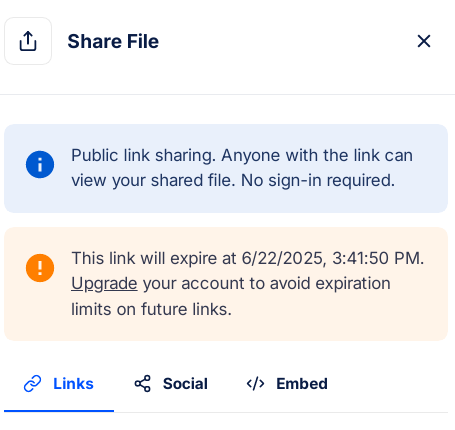
- Find the globe in right top corner.


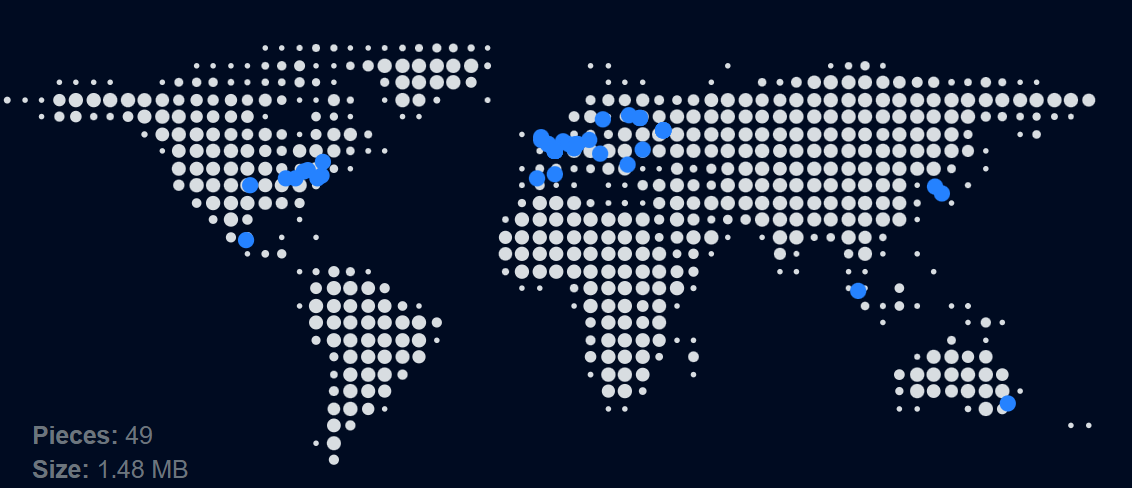

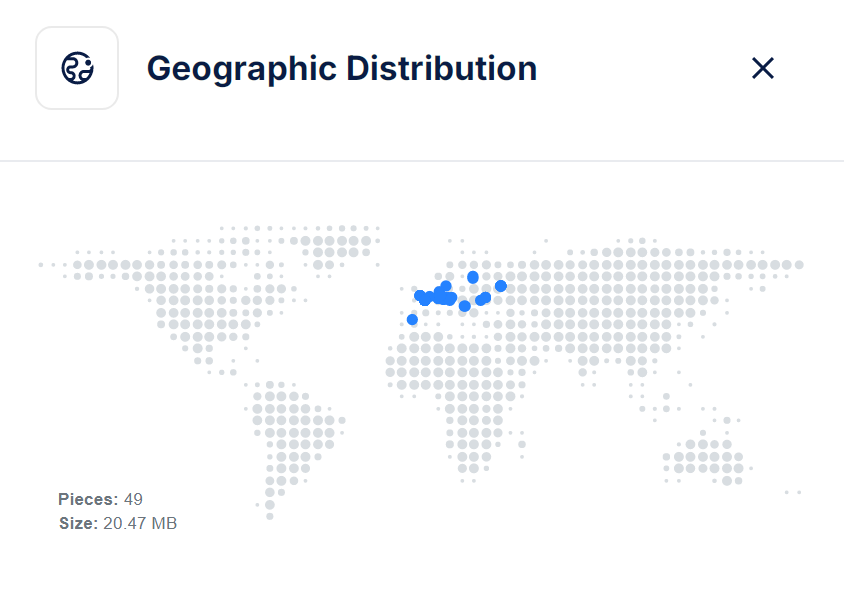
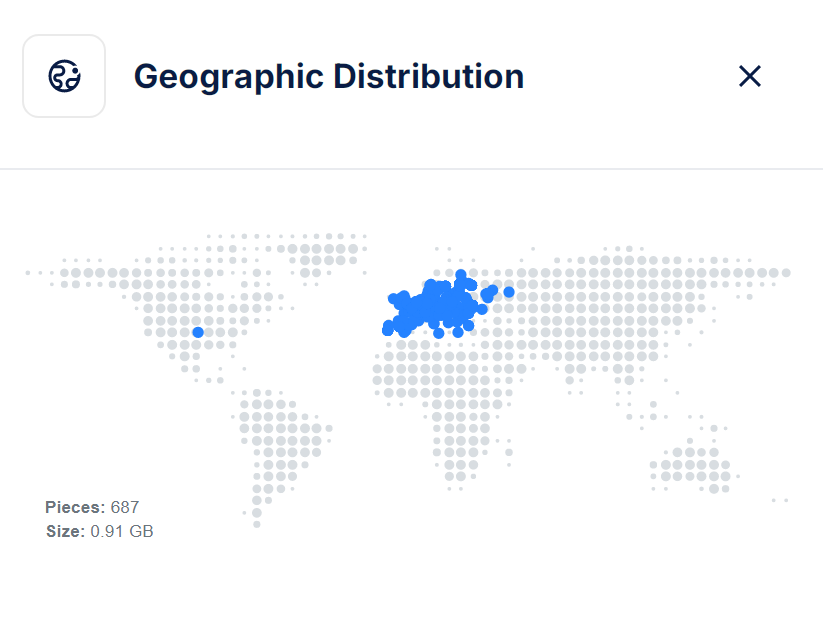
@kiwinode If give you the link to that file, do you want to check out the performance you’ll get?
@jammerdan Sure, can do
Great! Let’s see what your outcome will be:
- Here is the link of the file uploaded via uplink: https://link.storjshare.io/raw/jxz7pxsi6aefy4cqfvvsg4a5pj6a/aaa/big_buck_bunny_1080p_stereo.ogg
- Here is the link of the file uploaded via gateway:
https://link.storjshare.io/raw/jwkn7cruznliqr7xpbqqovby2eca/aaa/s3/big_buck_bunny_1080p_stereo.ogg
These are the direct download links.
That’s weird, hold on…
Ok, I have replaced the links. I have tried both and both open the file save dialogue.
I hope these gonna work now for you too.
The links don’t work now, but I downloaded it when you posted it a couple of minutes later.
I’m from Ukraine and the download speed was about 45MB/sec.
Both links don’t work now.
I can’t tell if that is good number or bad but what I was expecting is that both files show around the same performance as coverage of pieces in Europe is good and Ukraine is obviously a part of Europe. From the map it even seems that there are pieces located in the Ukraine.
Now what would be really interesting to hear, what the performance is like when downloading from like New Zealand, Chile, South Africa or Japan, especially for the file uploaded via the gateway as pieces are concentrated in Europe.