i’ve played a bit this weekend with storj custom domains and set up https://ost.vv75.name for amusement and out of curiosity.
it is a storj custom domain behind caching cloudflare.
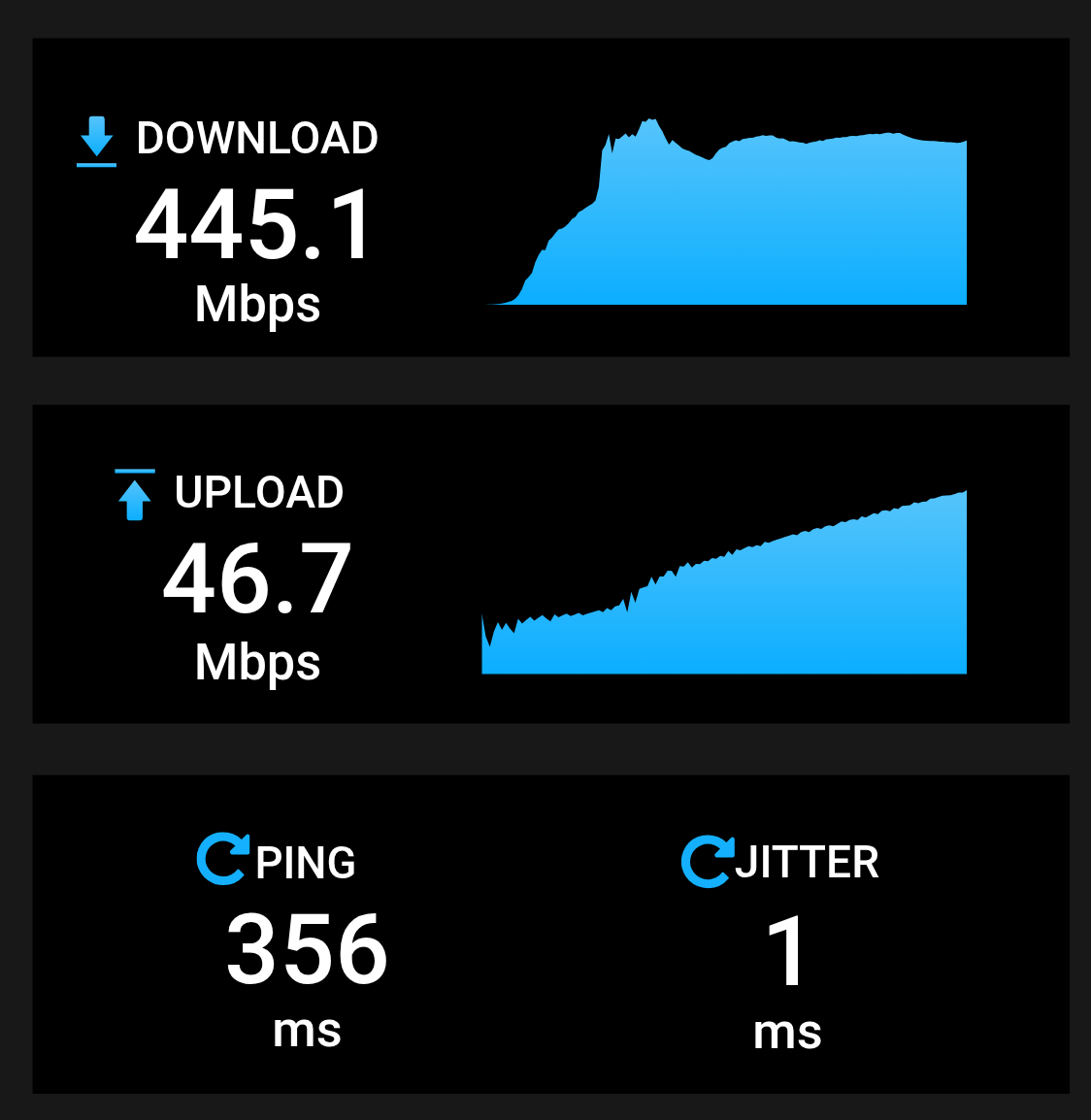
interesting was to visit it and measure the speed via browserling and its vpn/proxy option from different locations in the world.
and i’d say things are not very bright quite everywhere, although somehow okayish overall.
I’m quite dense, sorry, I understand first part now: from you to closest cloudflare server, that how cloudflare work right?
But the second part: to closest storj web gateway to that cloudflare server - do you mean there there are multiple storj gateway? I only see this 136.0.77.3 with gateway.storjshare.io or this typo?
I can see via dev tool, that the traffic is always: me->cloudflare->yoursite->(multiple nodes), and the return path is (multiple nodes)->yoursite->cloudflare->me, is that right?
this combination is supposed to scale well horizontally.
and i basically put this up for everyone to decide for what it is good and for what it is not.
and it would be very nice of you if you’d share your thoughts on this here.
note that if you are using a vpn/proxy to access this, there may be (and most likely there is) some per user/session/connection throttling imposed by the vpn/proxy.
thats not to mention the increased ping due to non-shortest traffic flow.
so basically if you want the best of the best performance (but only in a relatively small geographical area), you should bother with accessing storj in native mode and do the caching logic on your own vps/server, which is quite laborsome and with the bottleneck being the said vps/server,
OR you could get away with this via-cloudflare combination which is relatively easy to set up and will do the caching for you, depending on your applicative requirements and allowances, and it will scale horizontally quite well very smoothly.
worked a bit more on it and improved its ui ergonomics.
interested in things that i may have overlooked/missed because i didnt test it in very many browsers and devices.
thanks!
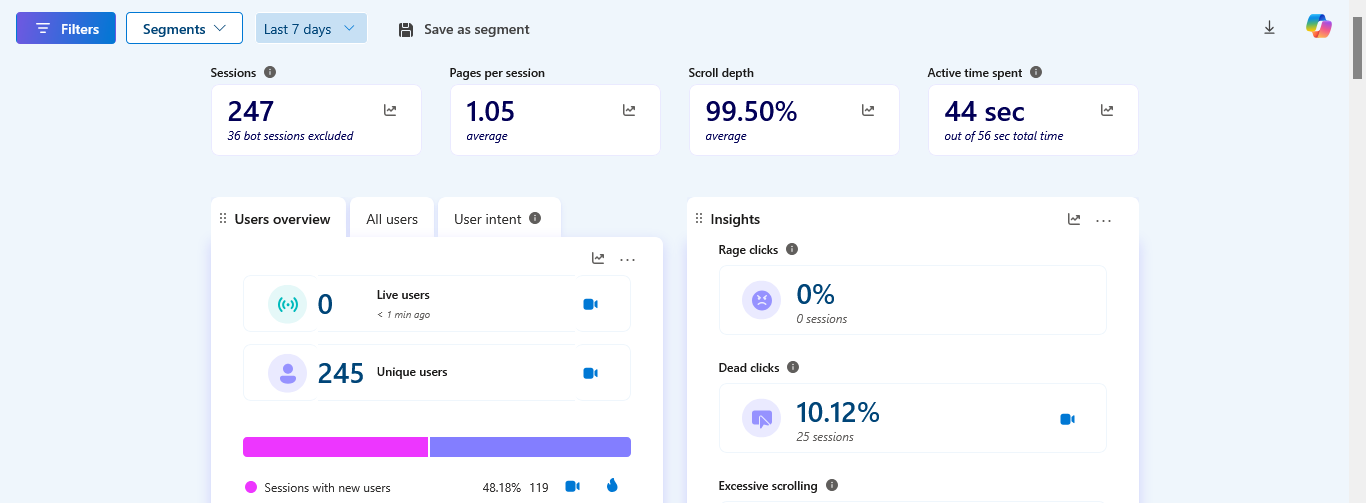
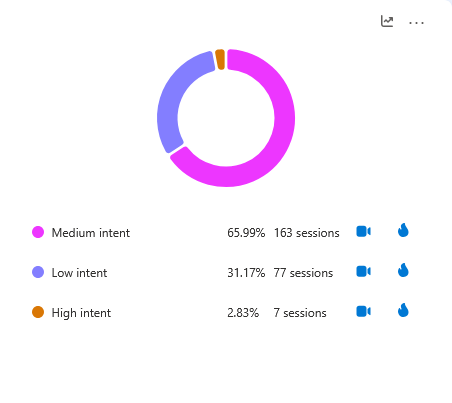
also i can say that it is sufficient to just visit it and test and dont even bother writing back, because your visits are set to be recorded, and the session recorder ai analyzer will point me all the difficulties that you might have encountered while using it.
nowadays that is all that simple for the user!
observed the accumulated sessions in the session recorder, made some adjustments on cloudflare.
now the ping is 20-40 instead of the former 400.
thanks to anyone that visited and tried!
also noted that sometimes visitors with safari browsers (both mobile and desktop) face dead clicks on the start buttons.
fixed as far as i could test myself via browserling, yet this seems to be unfinished work to me, just some quick and dirty fixes.