$bloomfilter.Observer
What is a bloomfilter? This video explain the concept nicely:
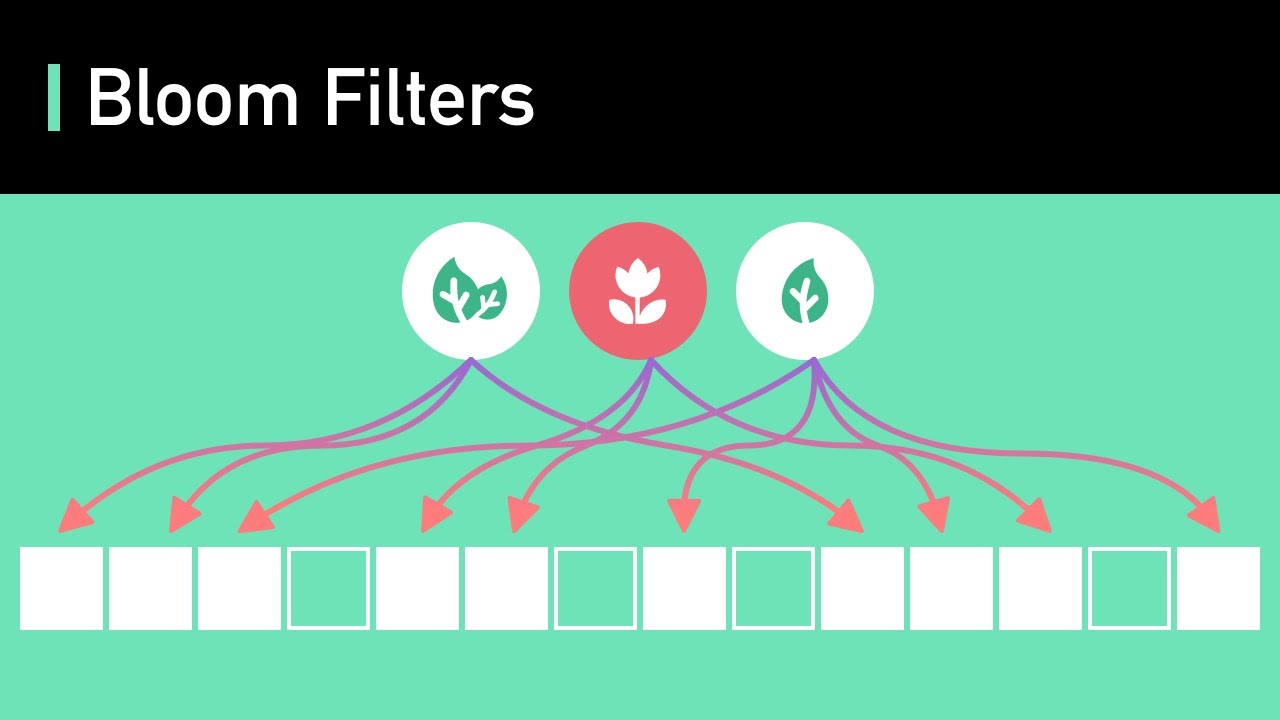
And what is with V2? Bloomfilter going from $bloomfilter.Observer to $bloomfilter.SyncObserver to $bloomfilter.SyncObserverV2, implementation details  , you only need to care for the latest version (the best implementation so far).
With latest commit, old bloomfilter implementation removed and $bloomfilter.SyncObserverV2 renamed to $bloomfilter.Observer.
Preparation
Two things we need to do:
-
First, we need a bucket for these bloomfilter, you create an account on this satellite, then create a bucket.
-
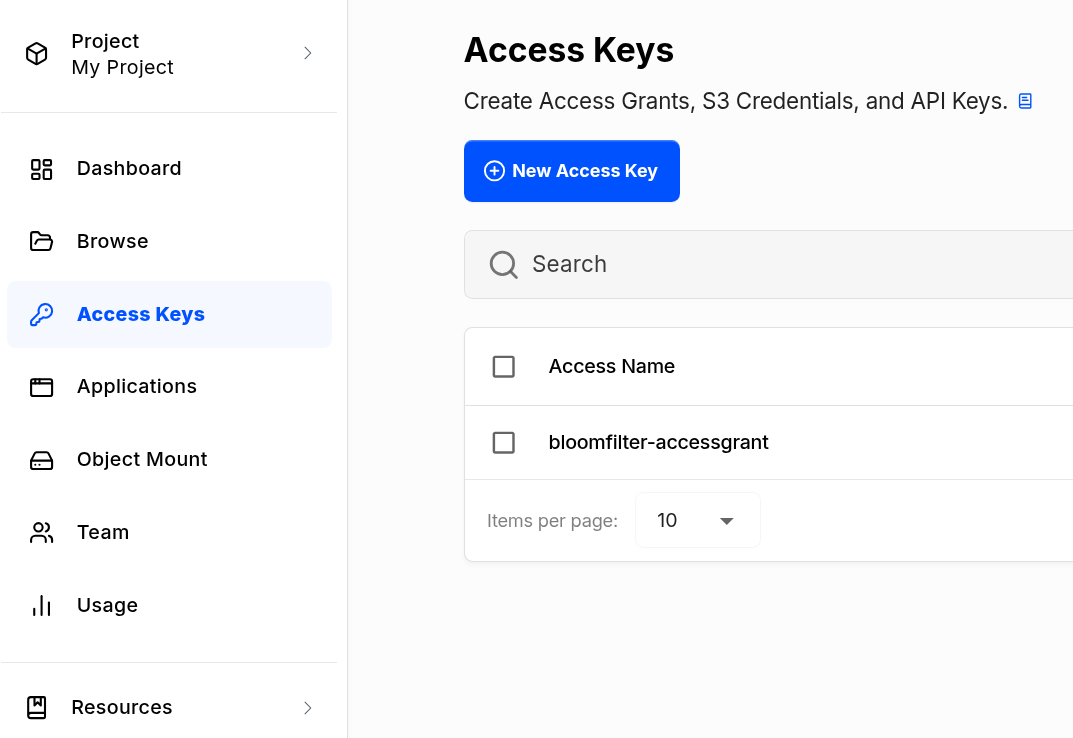
Then create an access key for your bucket, you’d need 4 permissions: read, write, list, delete. Other high level permissions - you don’t need it.
Minimum command to run bloomfilter
Bloomfilter is a bit different, you wouldn’t want this service to be run non-stop, maybe trigger it once a week is good enough.
./satellite-modular ranged-loop-once \
--ranged-loop.stale-interval 10m \
--components='$bloomfilter.Observer' \
--database-options.url "cockroach://my_role:123456@127.0.0.1:26257/my_database?sslmode=verify-full&sslrootcert=/ca.crt" \
--identity-dir=id/satellite \
--metainfo.database-url "cockroach://my_role:123456@127.0.0.1:26257/my_metainfo_database?sslmode=verify-full&sslrootcert=ca.crt" \
--garbage-collection-bf.bucket "my-bucket" \
--garbage-collection-bf.access-grant "1AbCdEf..." # access-grant key to your bucket
If thing go right, you would see this:
2026-08-06T17:25:08Z    INFO    debug:wrapper.debug     debug server is started listening       {"addr": "127.0.0.1:34517"}
2026-08-06T17:25:08Z    INFO    tracing:tracing Anonymized tracing enabled
2026-08-06T17:25:08Z    INFO    rangedloop:runonce      ranged loop started     {"parallelism": 2, "batch_size": 2500, "observers": ["*rangedloop.LiveCountObserver", "*piecetracker.Observer", "*bloomfilter.SyncObserverV2"], "asofsystem_interval": "-5m0s", "stale_interval": "10m0s"}
2026-08-06T17:25:18Z    INFO    rangedloop:metabaserangesplitter        Setting fixed read timestamp    {"timestamp": "2026-08-06T17:15:18Z"}
2026-08-06T17:26:07Z    INFO    piecetracker:observer   piecetracker observer finished
2026-08-06T17:26:08Z    INFO    bloomfilter:syncobserverv2      collecting bloom filters finished       {"inline_segments": 10513498, "remote_segments": 1994943}
2026-08-06T17:26:08Z    INFO    rangedloop:runonce      ranged loop finished
2026-08-06T17:26:08Z    INFO    rangedloop:runonce      Ranged-loop observer finished   {"duration": "3.957382ms", "observer": "*rangedloop.LiveCountObserver"}
2026-08-06T17:26:08Z    INFO    rangedloop:runonce      Ranged-loop observer finished   {"duration": "1.223707632s", "observer": "*piecetracker.Observer"}
2026-08-06T17:26:08Z    INFO    rangedloop:runonce      Ranged-loop observer finished   {"duration": "1m14.960450498s", "observer": "*bloomfilter.SyncObserverV2"}
Going to your bucket, you should see something like this:
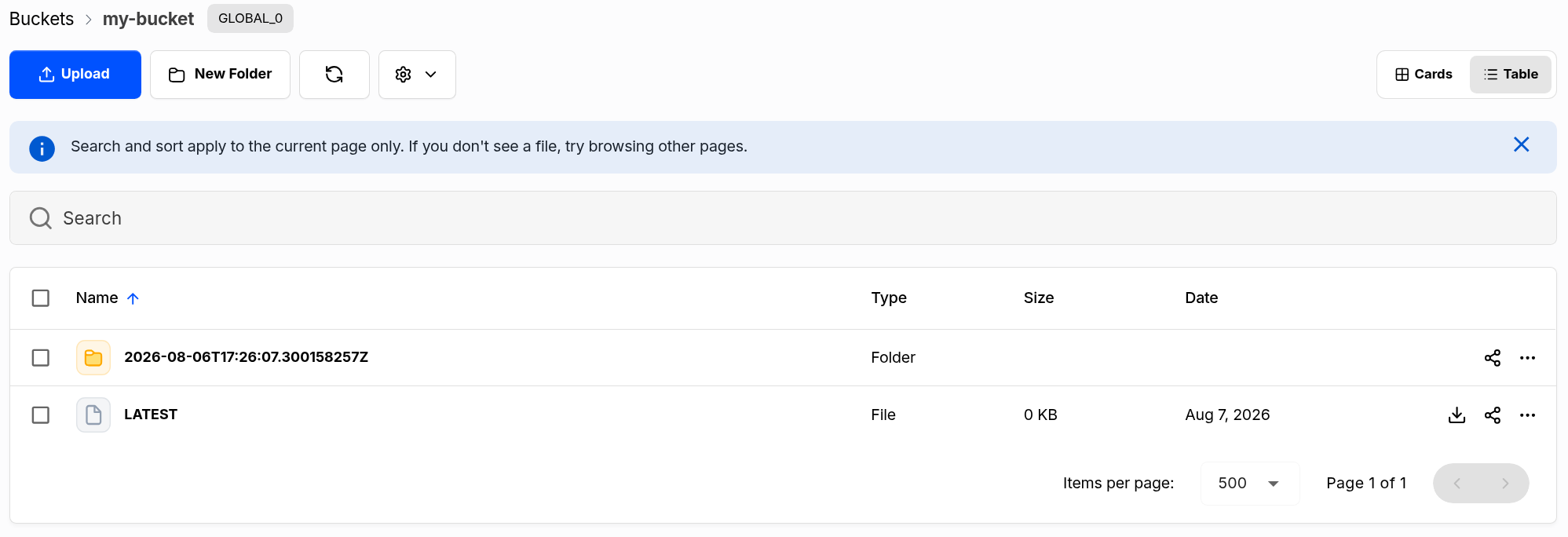
Content of LATEST file: 2026-08-06T17:26:07.300158257Z
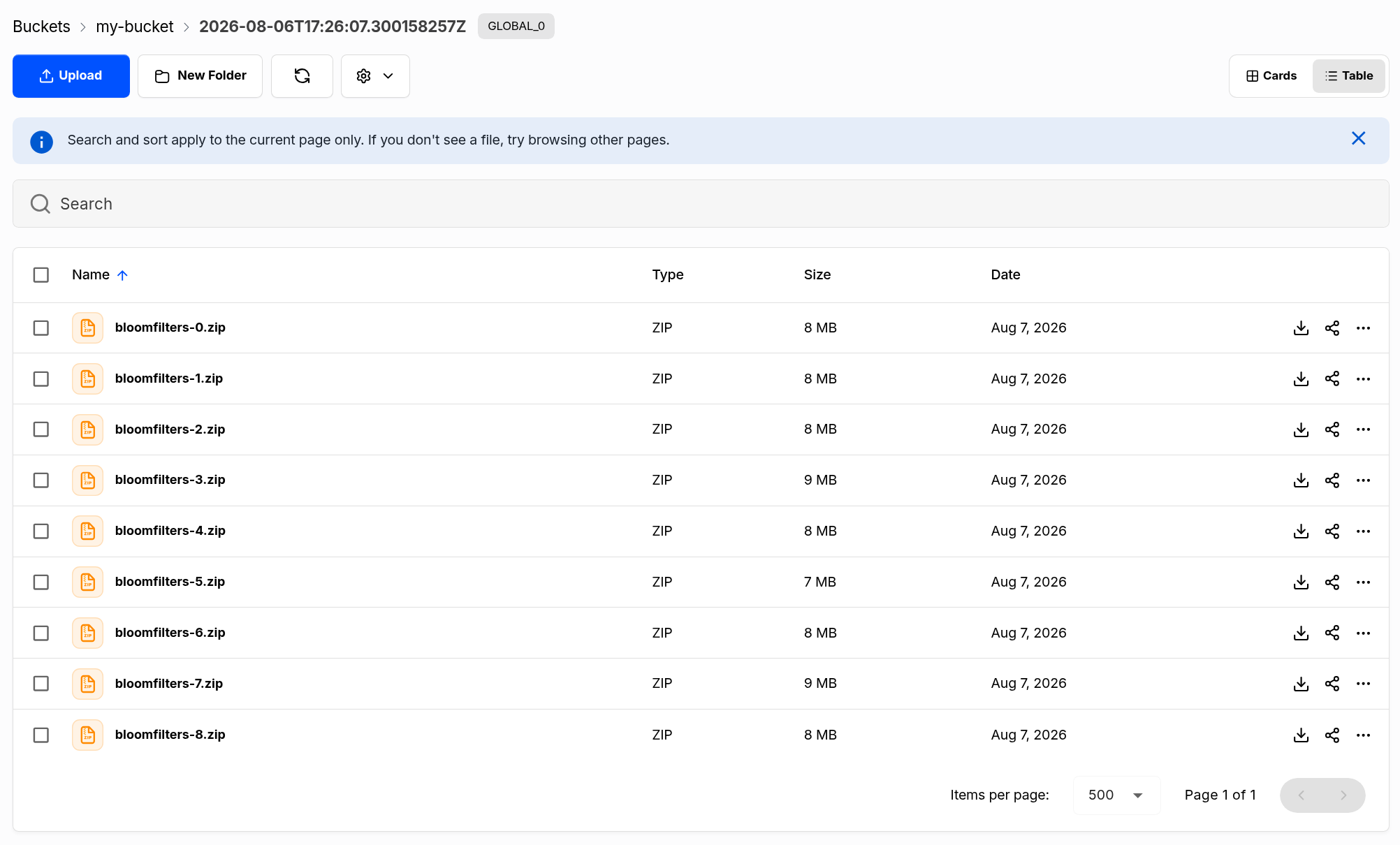
Notice that, this is only bloomfilter generation, this is not push to storagenodes yet, on next post, we’ll study how to push this to our storage nodes. See you then.