I migrated from a temporary SMB share to a local SSD and then to iSCSI. My uptime is 345 hours and increasing, but my uptime score is constanly decreasing. Can someone check my node?
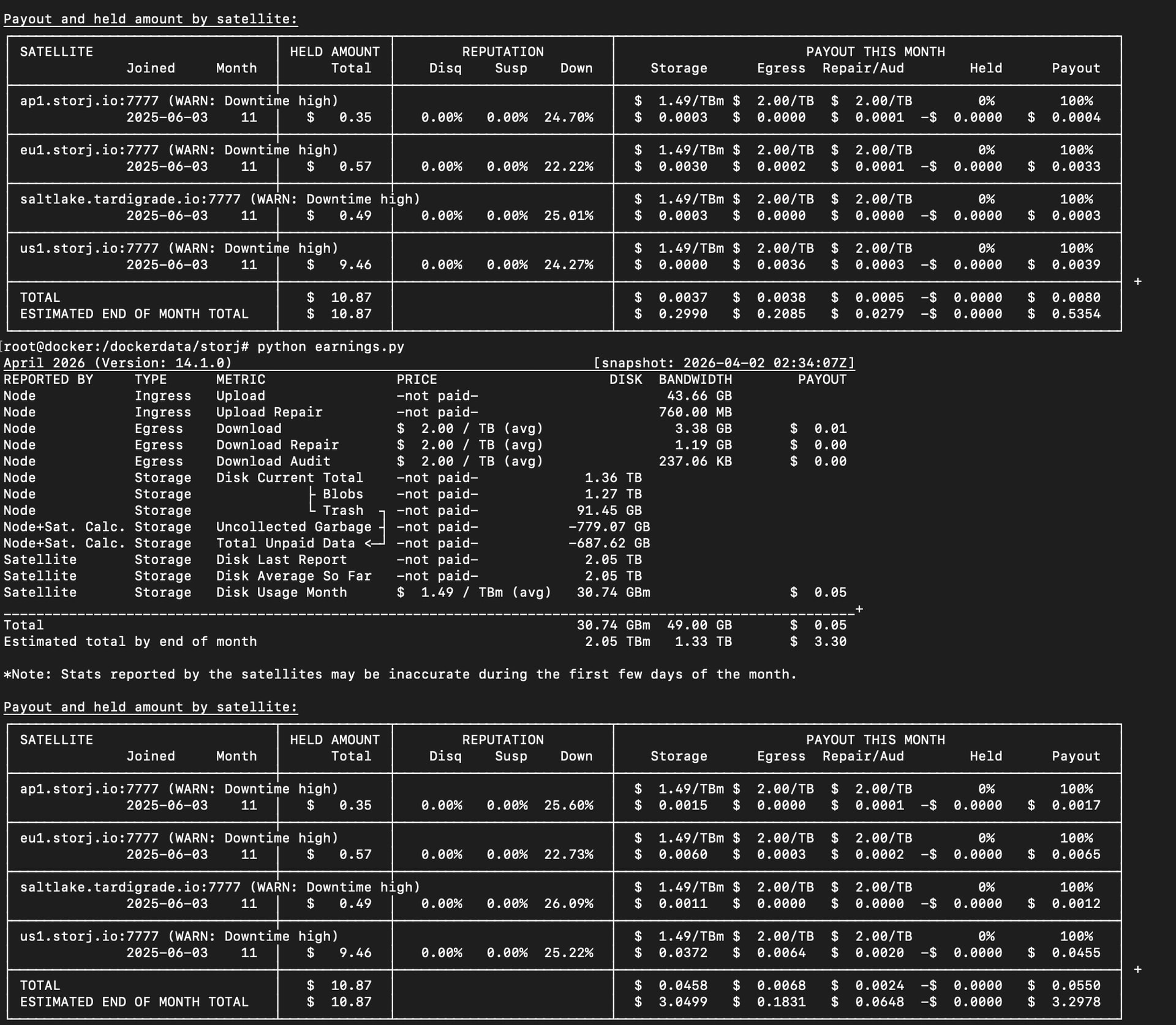
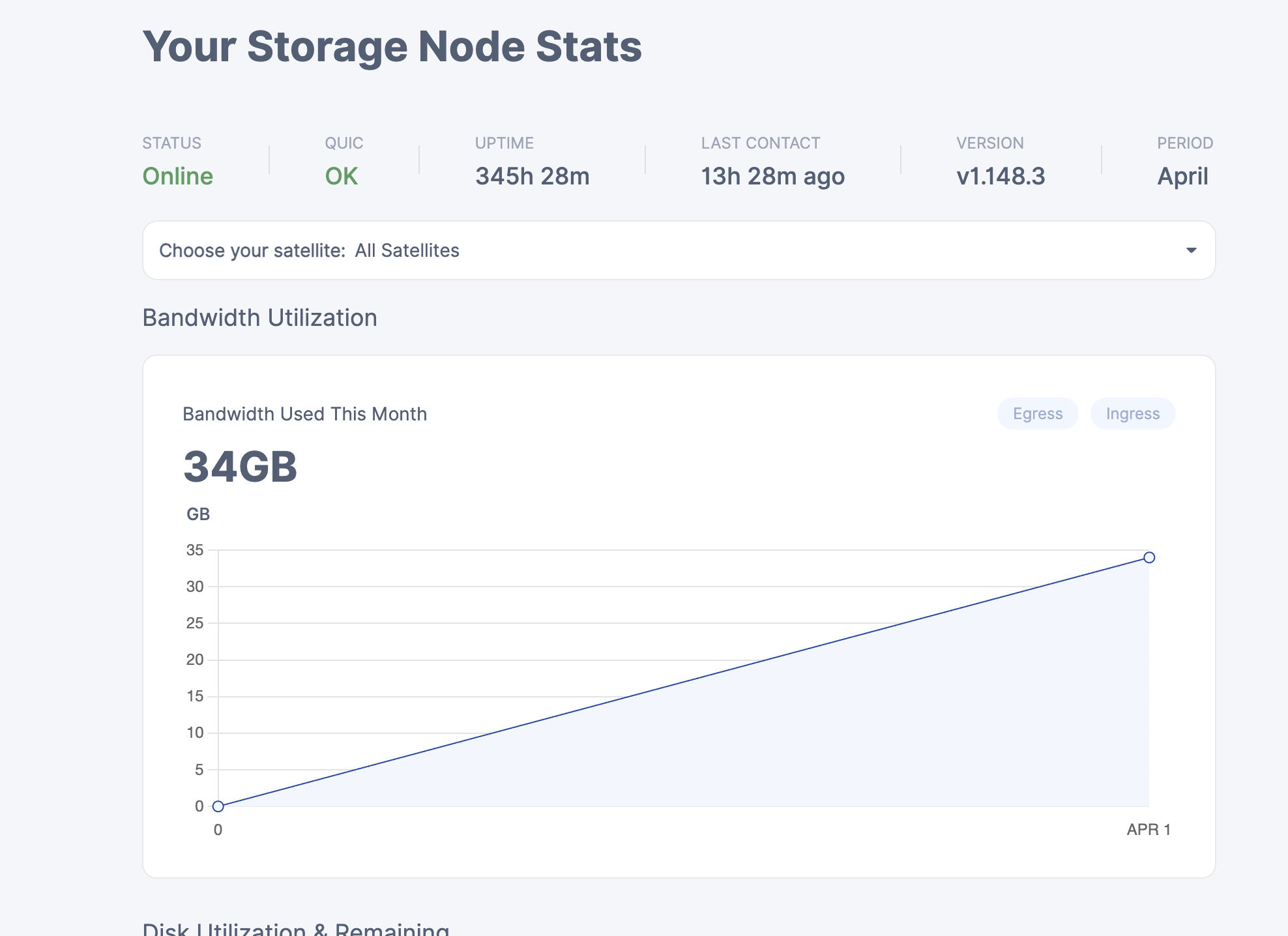
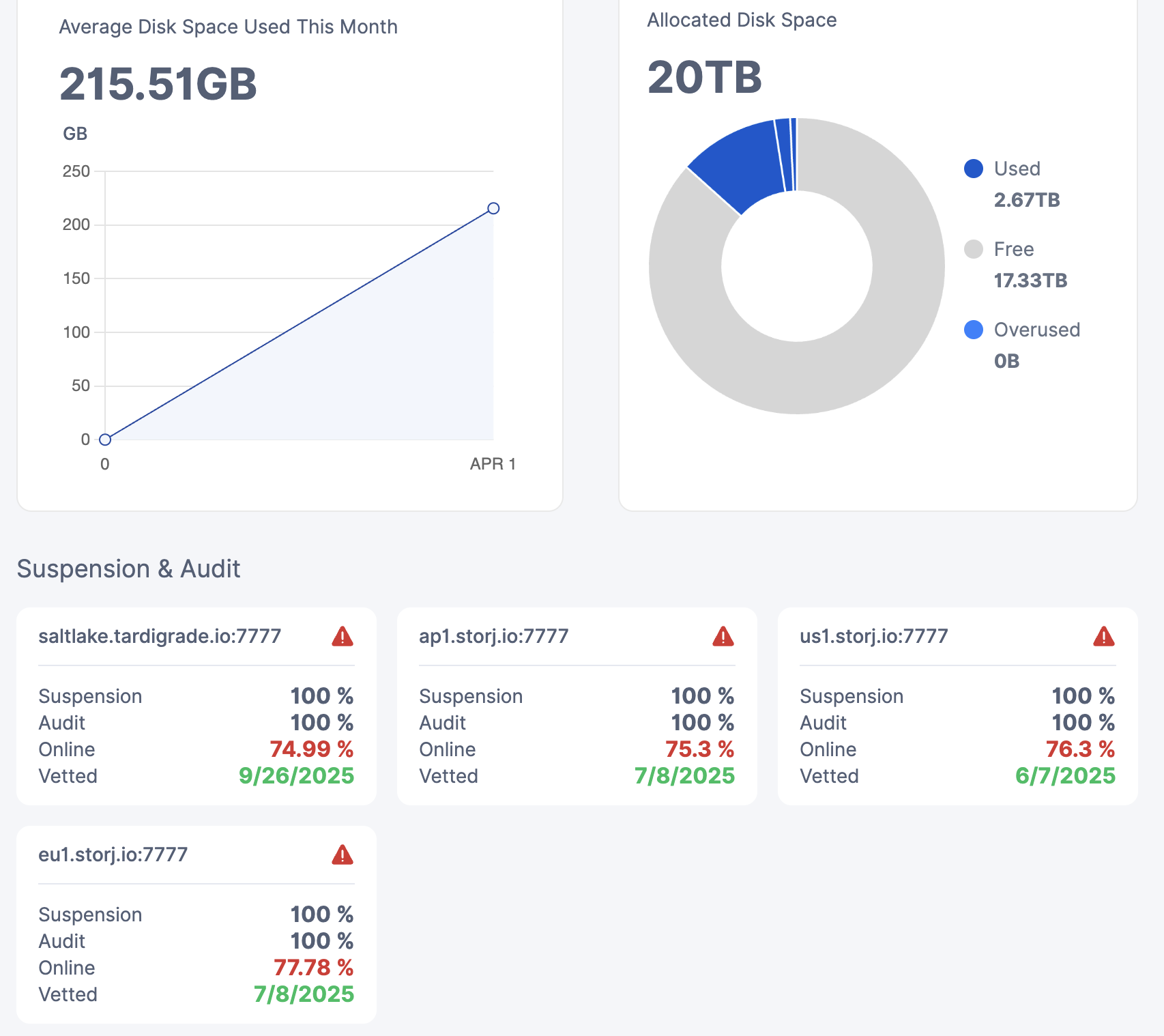
Your uptime score has nothing to do with underlying storage.
Check your firewall rules, DDNS, and ensure your DNS filter is not blocking storj services. HaGeZi DNS filters are blocking storj.io and tardigrade.io
Everything was working before I took the storage offline briefly to convert to iSCSI. No settings were changed. DNS is from Google. DDNS is from cloudflare. How would I proceed with checking the firewall? There is bandwidth used every day, so I think storj is able to access my node.
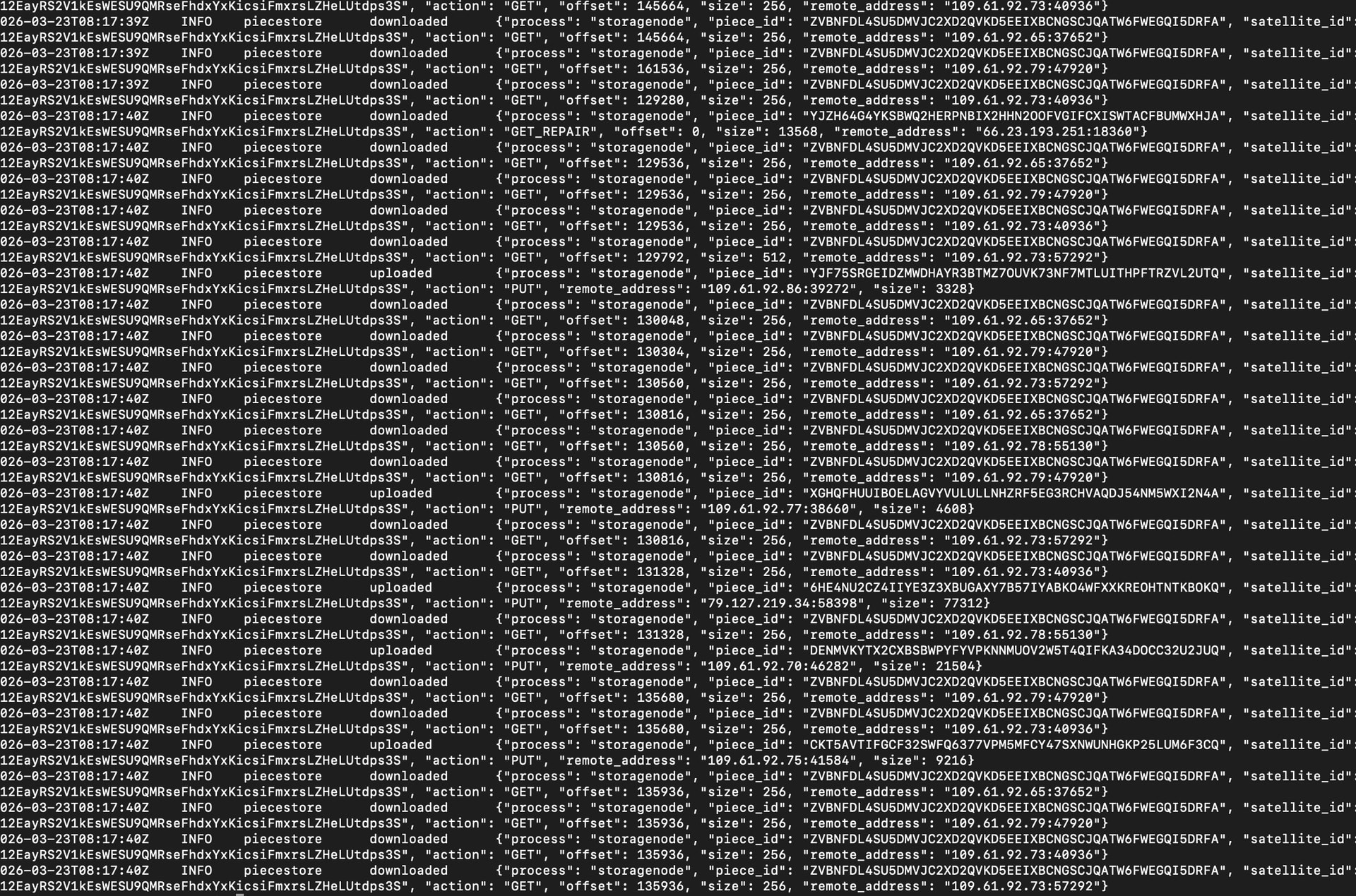
Maybe firewall rules updated. if you have anti-ddos system somewhere in the path – its rules may have updated.
Correlation, not causation. You started the node, DDNS update kicked in …
That’s your problem likely.
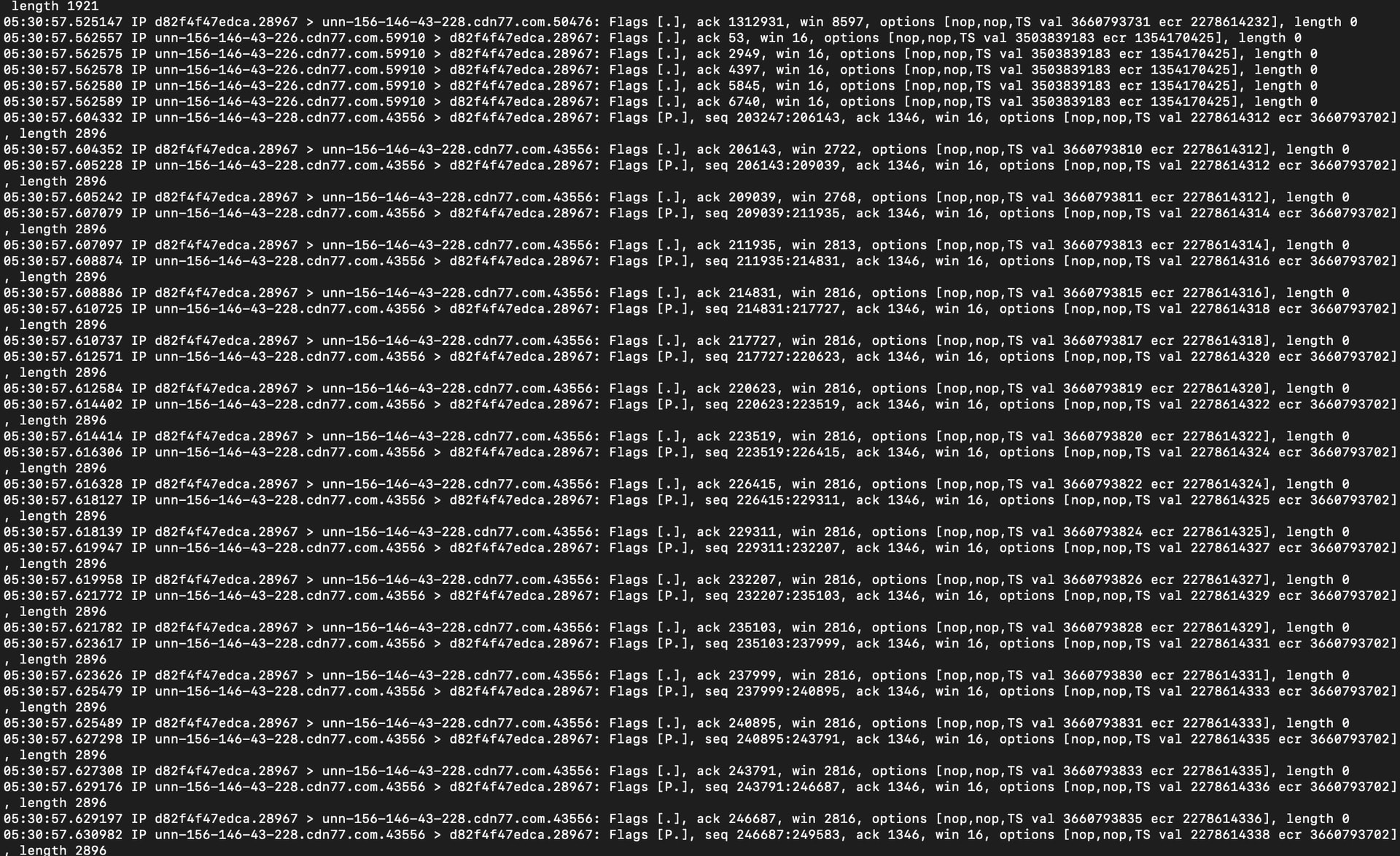
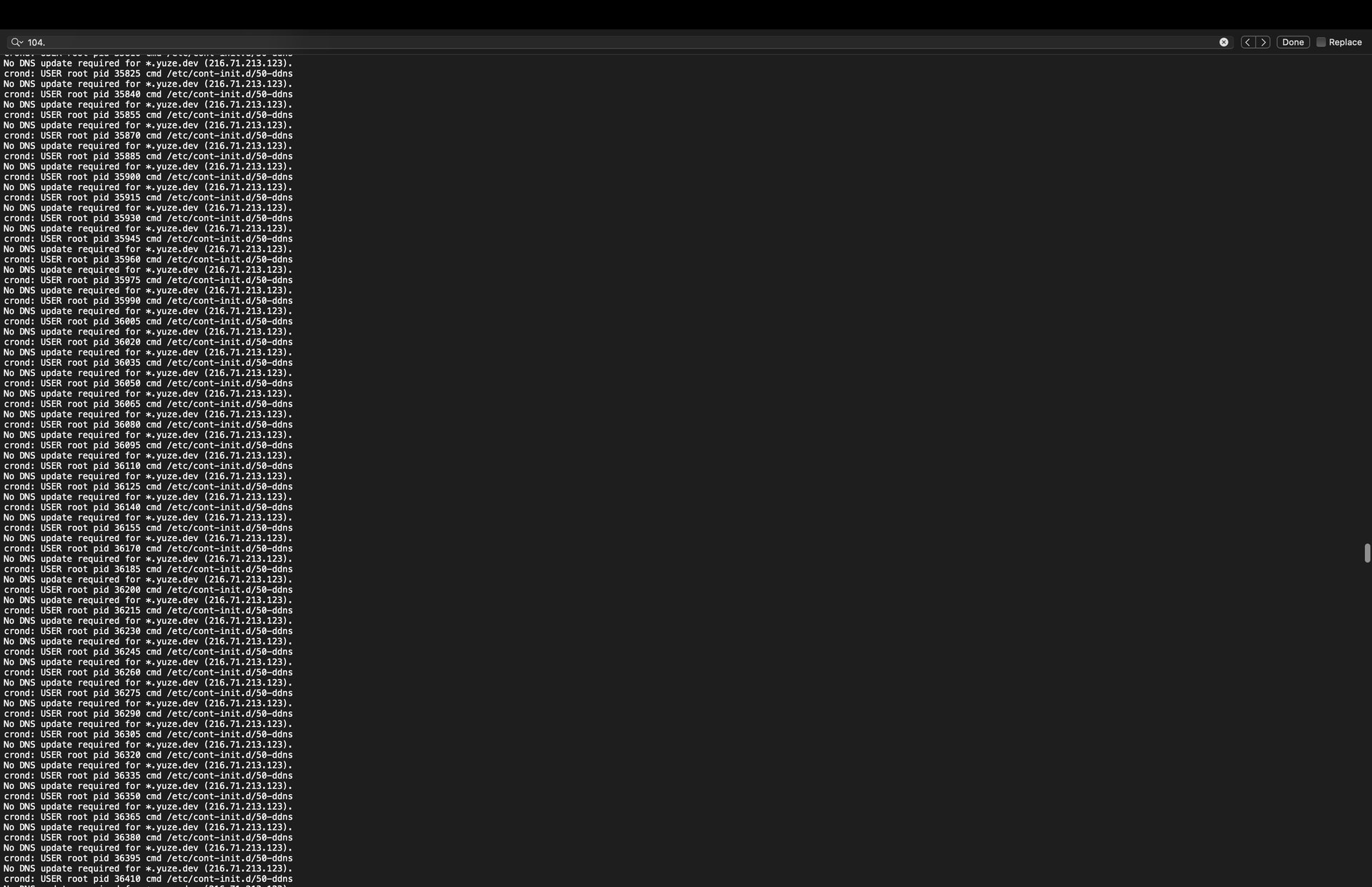
Why would you expect to see any? Check you DDNS updater log.
I don’t know how is this relevant.
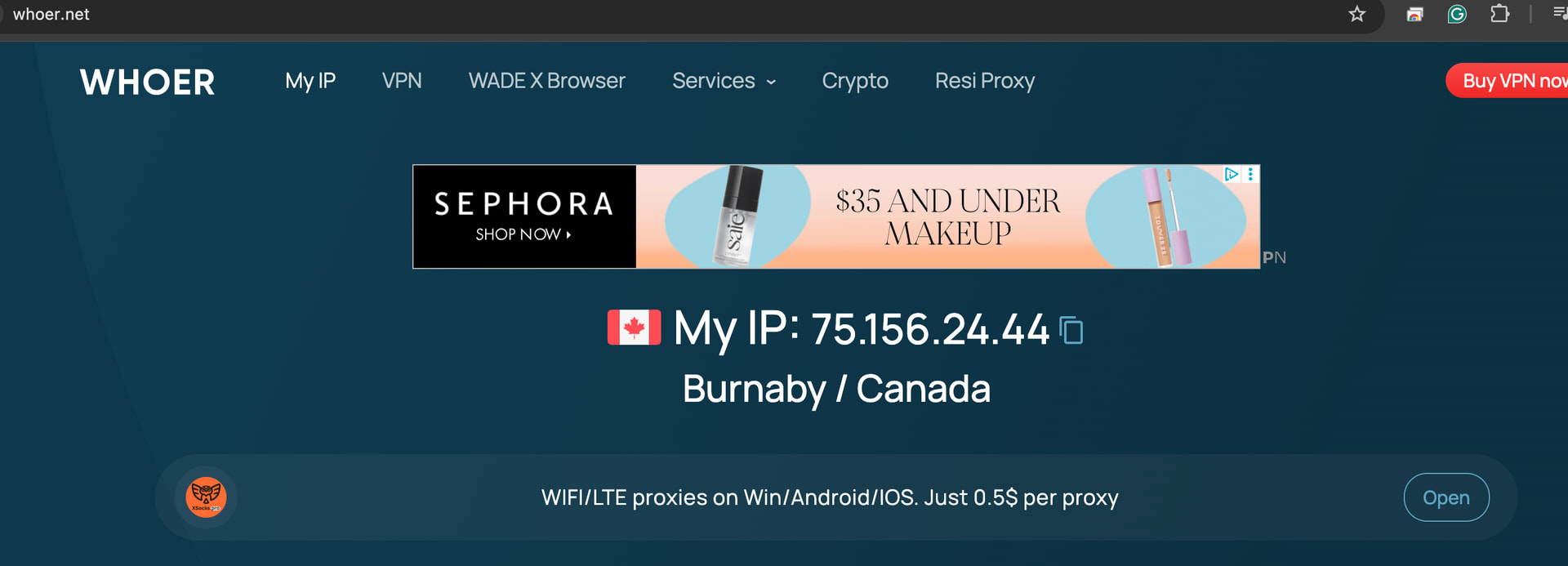
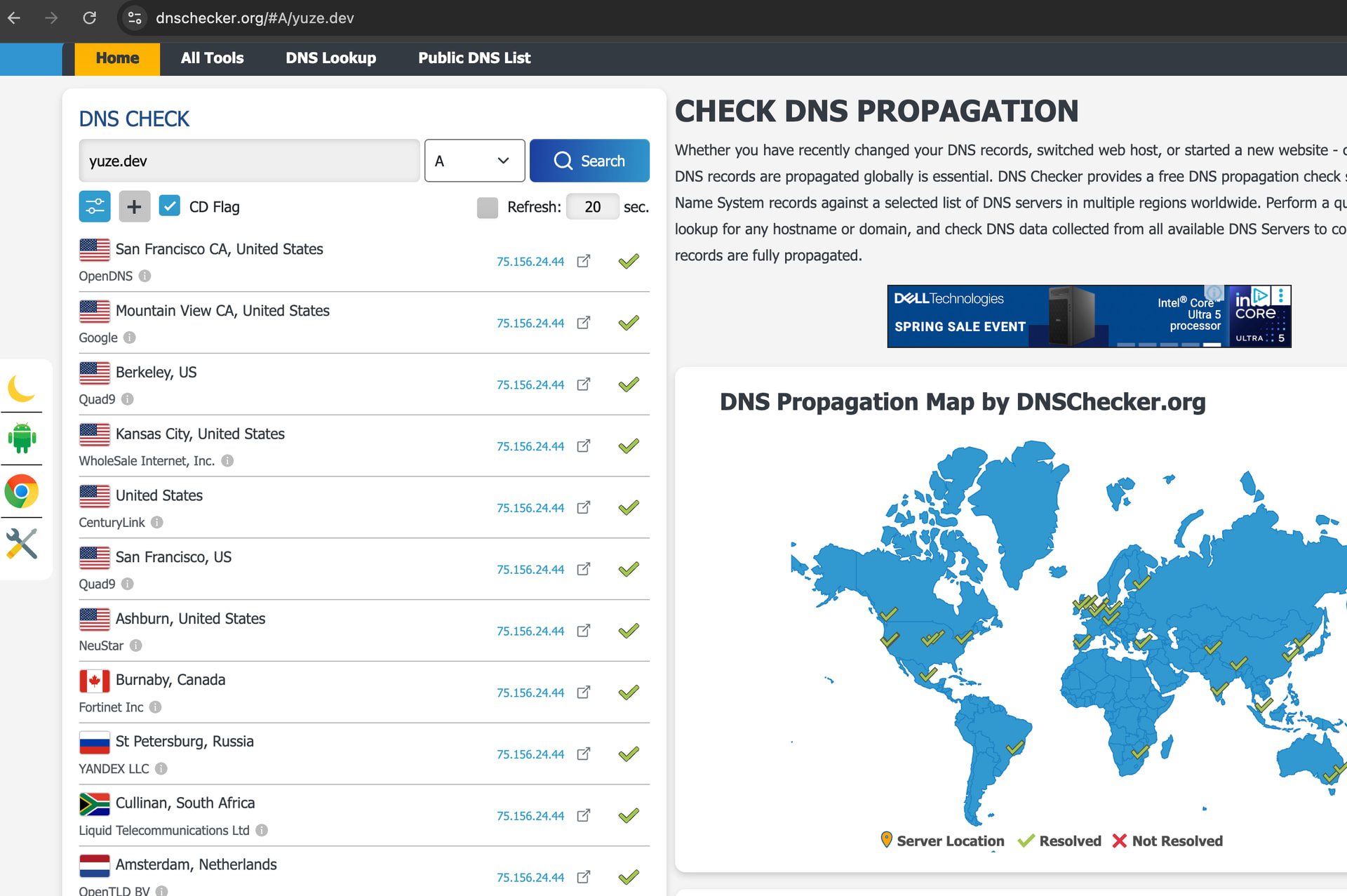
There won’t be errors in the dns updater, that’s the problem. It will silently update to the wrong IP. Did you read that other thread?
The fact that DDNS works now means nothing. Do you have a log of IP addresses that your DDNS updater programmed?
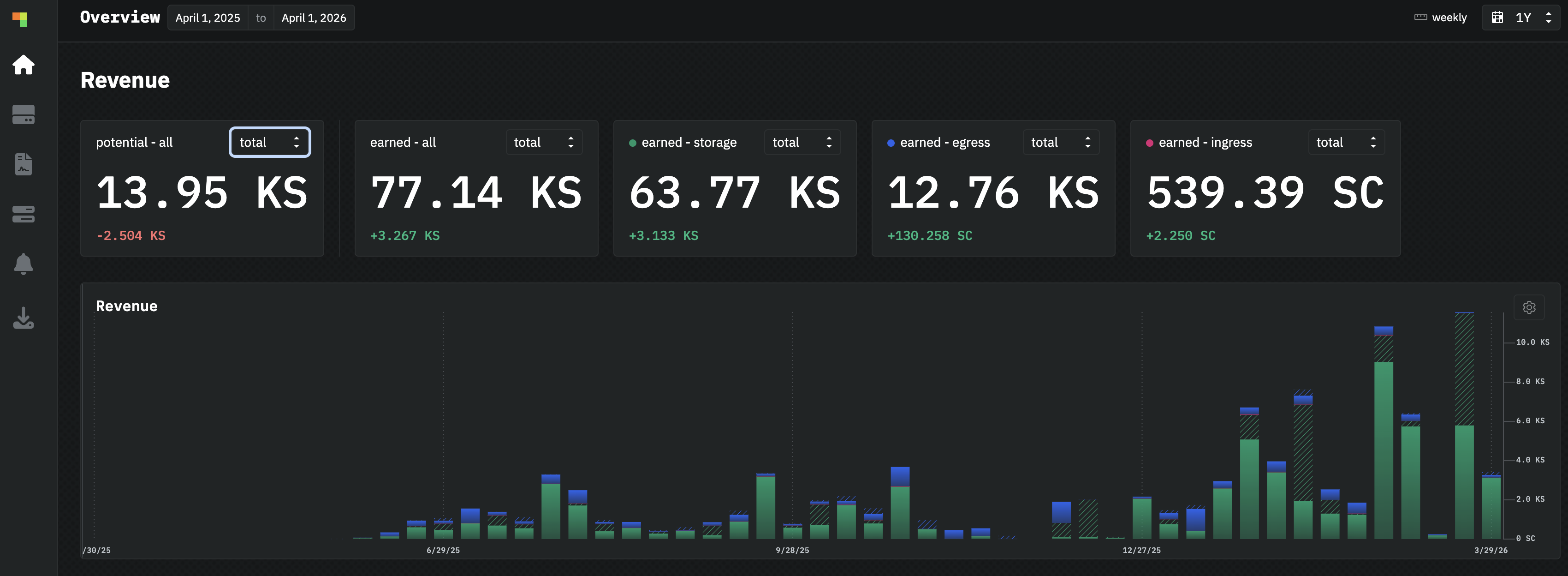
I don’t know enough about Sia to confirm or disprove that. Maybe it caches for much longer, maybe the client establishes connection, maybe server caches successful logins, possibilities are endless and offtopc.
Is the online score continuing to fall? Because this indicator has inertia, see
Also, do you have errors like “ping satellite failed” in your logs?
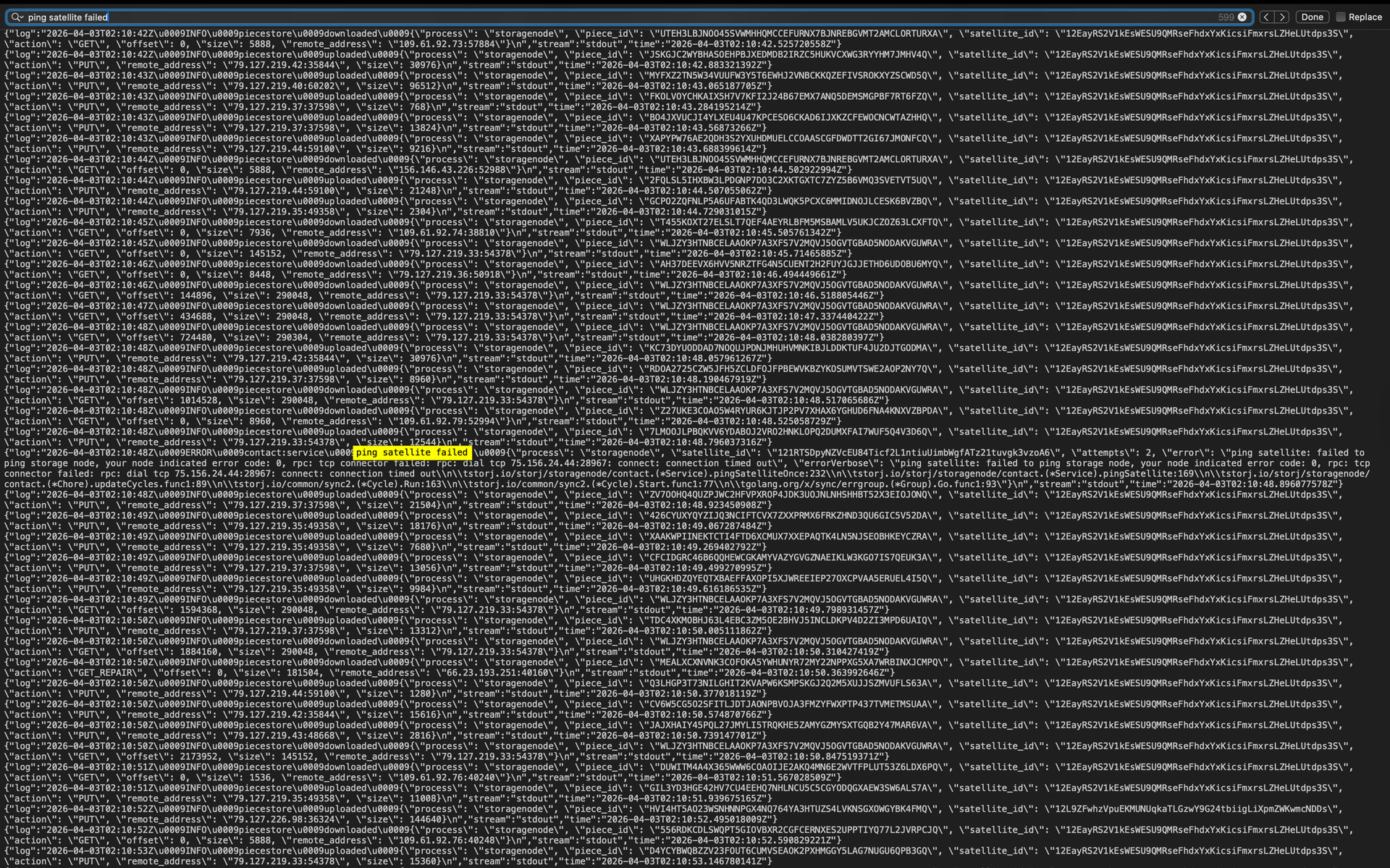
This is perfectly explains, why your online score is dropping. Something is blocking connections from satellites and perhaps from customers.
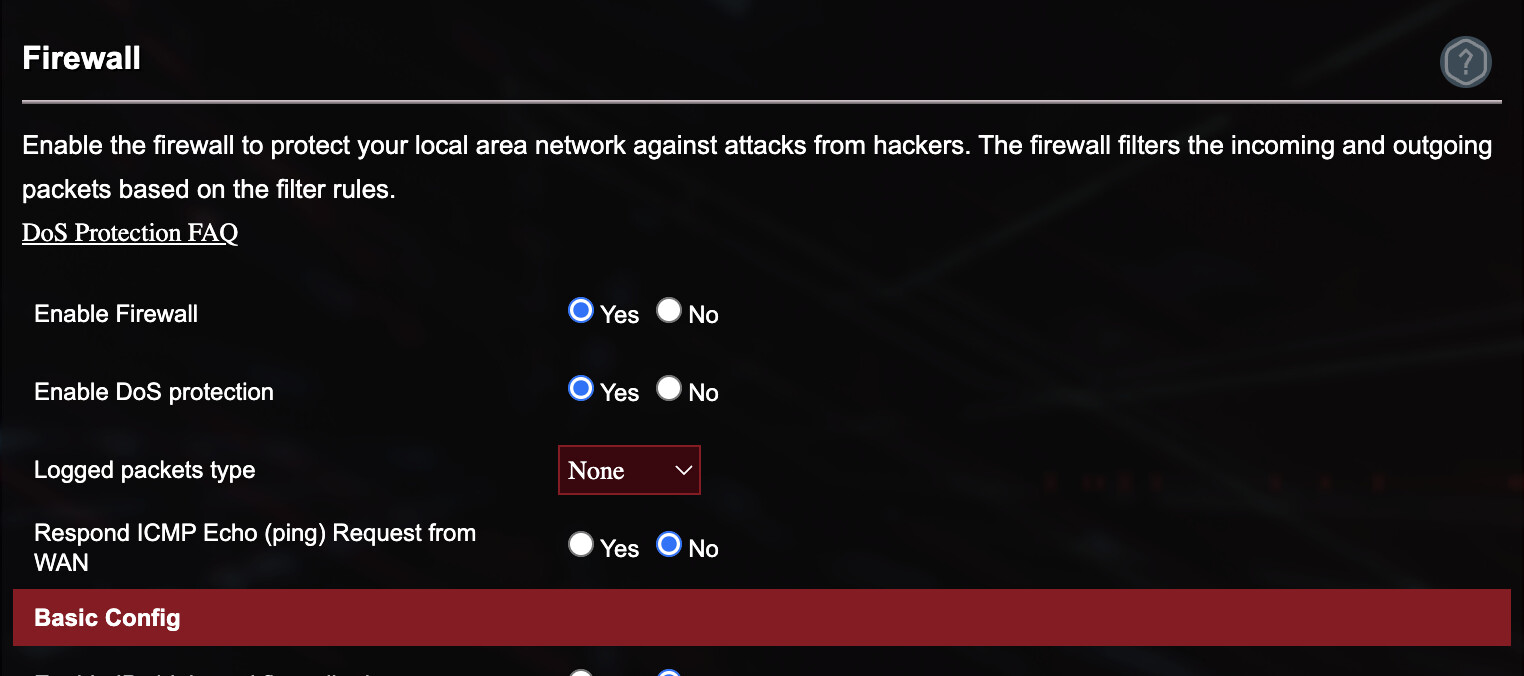
You need to disable a DDoS protection and a black list feature on your router and your ISP.
The online score has been decaying by about 2 percent every day since 2 weeks ago steadily, from 95%+ to around 70% now. I am afraid if it keeps on decaying I will get disqualified.
Because of this. And the error is the same - timeout to connect to your IP.
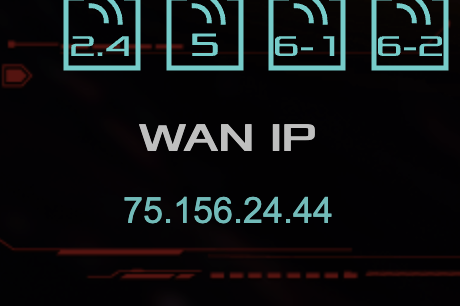
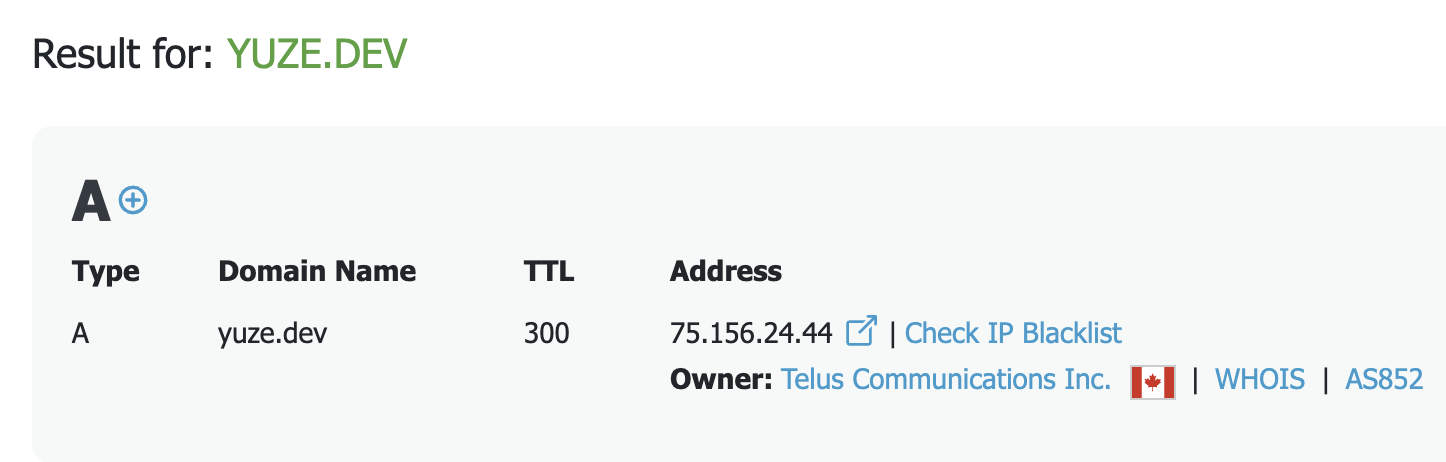
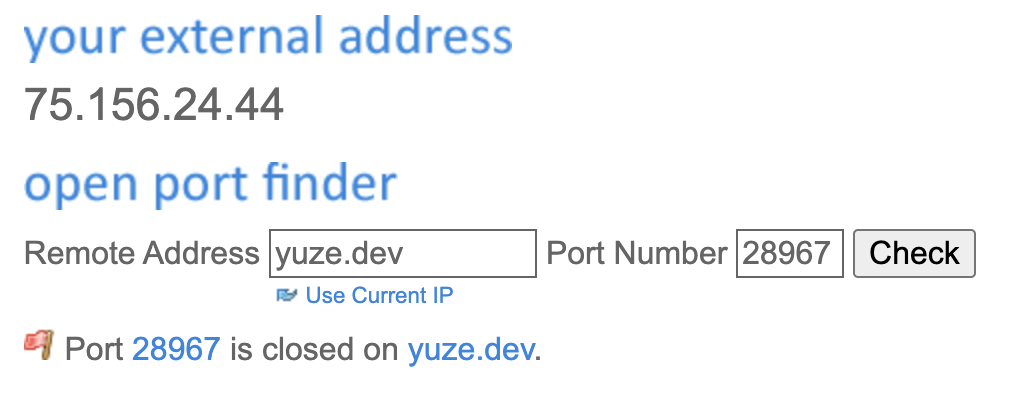
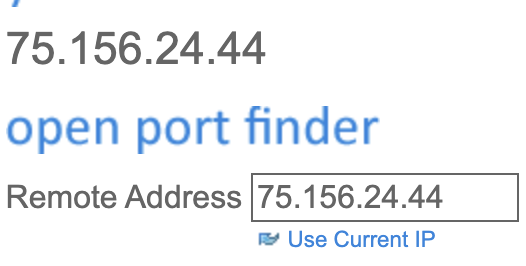
By the way, does it match your WAN IP and IP on Open Port Check Tool - Test Port Forwarding on Your Router?
Can I just whitelist storj from the DDoS protection and firewall? Nothing on the firewall rules were changed on the router, and there was no ufw on the system where storagenode is installed.

For the WAN IP and IP on the tool, the port is closed. However, the WAN IP and the domain IP used for DDNS matches.
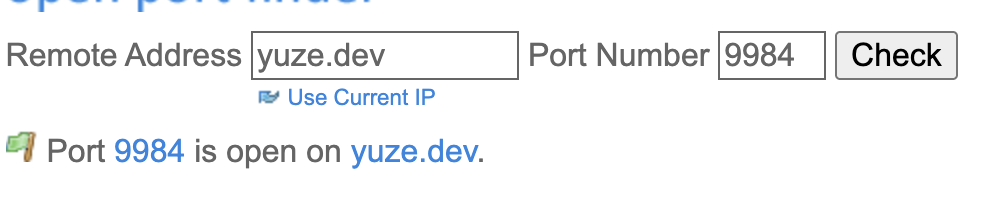
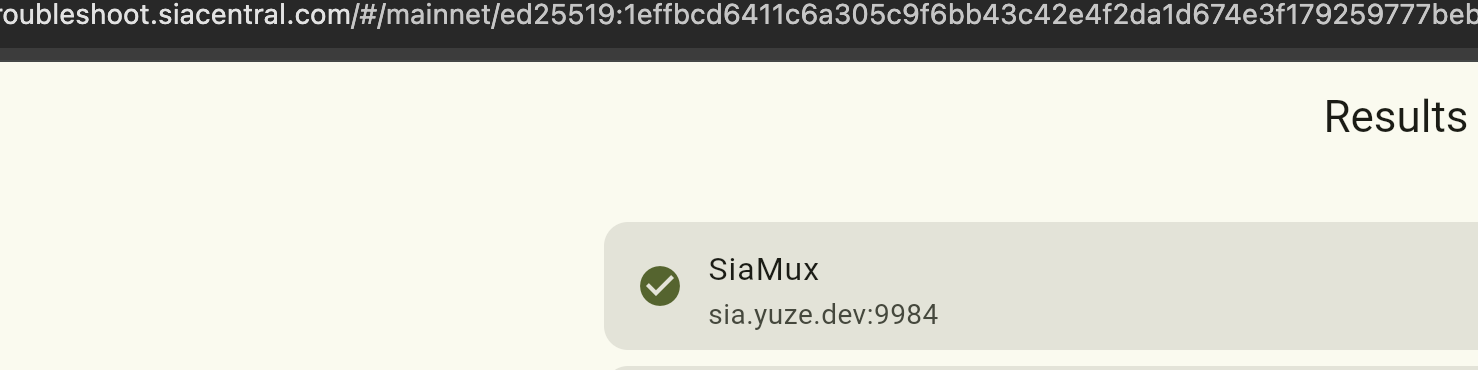
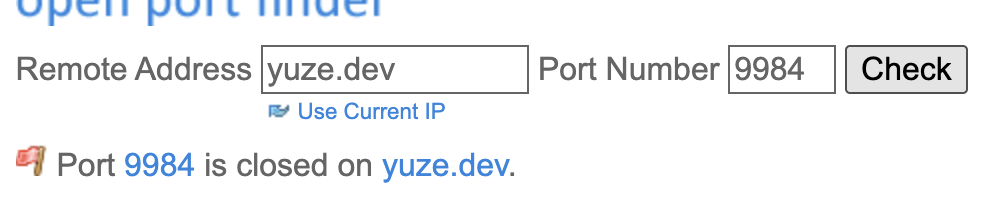
No, you cannot whitelist Storj in DDoS protection, Storj uses p2p protocol, the source IP address and port can be literally any. Your node is contacted by customers from any point of the world. You need to disable it completely.
You should keep the firewall enabled though, but please allow the contact port, both TCP and UDP in it.
This is an exact behavior of DDoS protection on SOHO routers, they are unable to handle it properly, they only block your node from being online reliable.
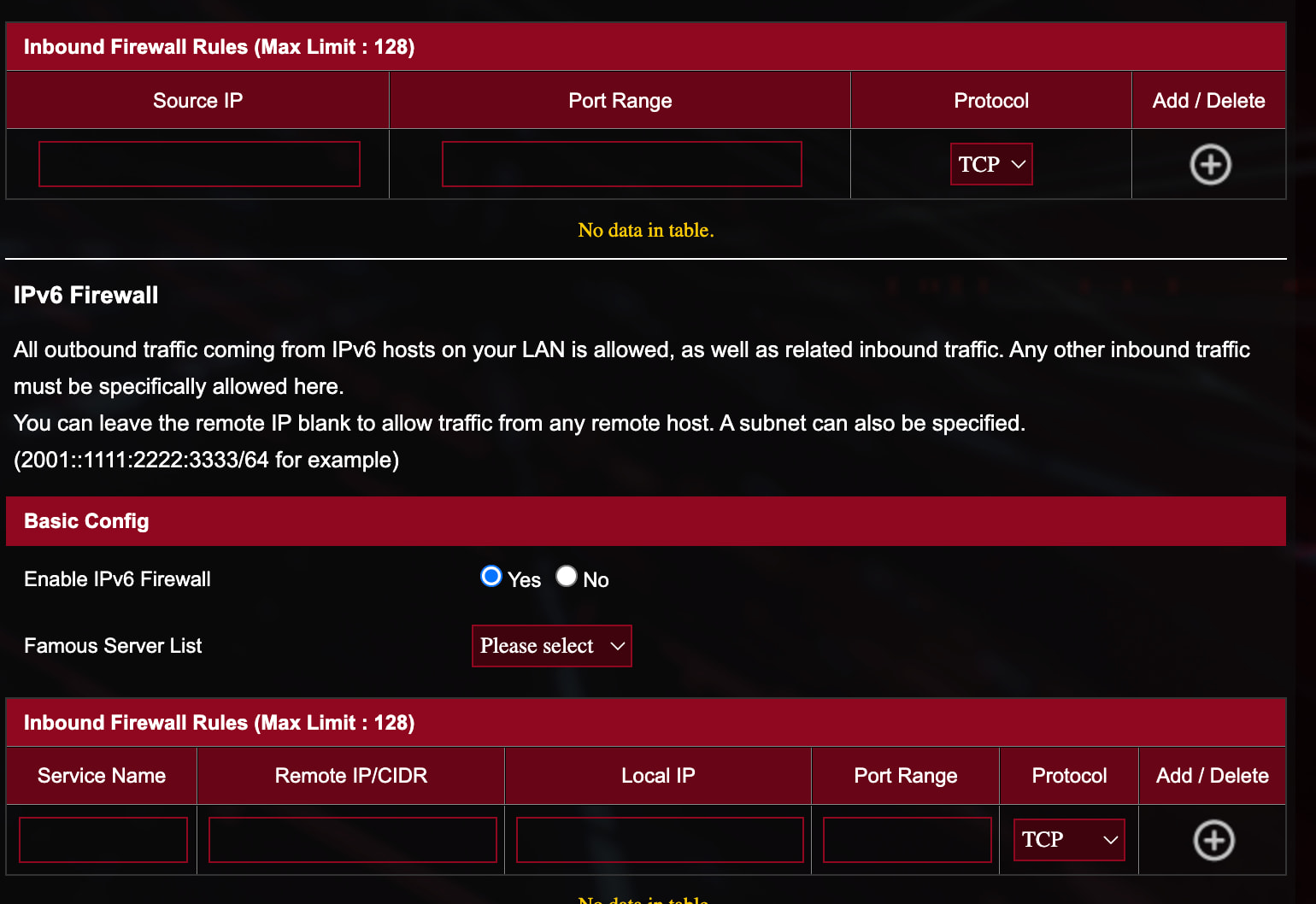
The IPv4 is listed in the firewall, both tcp and udp. For the IPv6, there is nothing listed.
It says “All outbound traffic coming from IPv6 hosts on your LAN is allowed, as well as related inbound traffic. Any other inbound traffic must be specifically allowed here.”
I have disabled the DDoS protection and will see what happens.
It’s fine. If you have IPv6 connection working, you can add your IPv6 to your domain too, if your DDNS solution is able to do so.
IPv4 is mandatory, IPv6 is optional, but good to have it, too.