After the update to v1.148.3, the Allocated Disk Space section no longer shows trash space. Why?
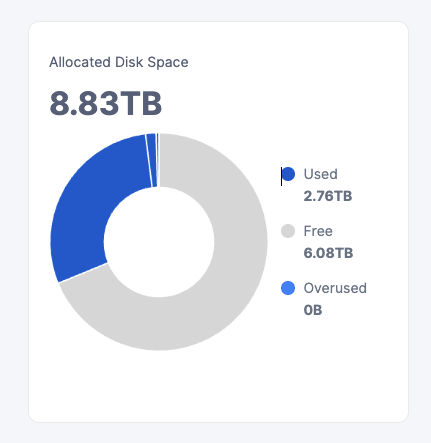
You’ll see the blue part now has a few different segments: hover over them and you’ll see one is ‘Used Trash’.
there are now 4 sections. Free, Used other, used trash, used reclaimable.
Does someone know what the difference between used trash and reclaimable really means.
And is there a way to tell the container to go cleanup?
reclaimable is that your none can delete. trash will become reclaimable after 7 days
Why on the side description there are just Used, Free and Overused ?
don’t know. i don’t know why the node doesnt just cleanup the reclaimable either. afaik there is no command you can give it to start cleaning up.
it cleans it all the time, just it happens part by part, cleaners start every 12h and clean some portion, to not overload nodes for other operations in priority.
do you know of a way to help this along. i find 1.6T to be a lot of unclaimed space
this device should be able to have a bit of io at some time
check the logs, mostly i think you have something there wrong like compaction failed. may be some files are broken so it cant compact.
no i checked. no failures. just a little data that is deleted. feels like it stops before it has a chance to really clean data. there is enough free space on the disk, so that is not an issue. there is enough cpu power, RAM and Caches. also … it is a ZFS pool that should be able to take on the load. weird. well… it just has been updated to the new version. i wait and see if it resolves it.
Reclaimable is only the smallest of the blue segments. The larger one is trash. Most of the incoming data these days is very short living (one week or less). So the chart is looking normal to me.
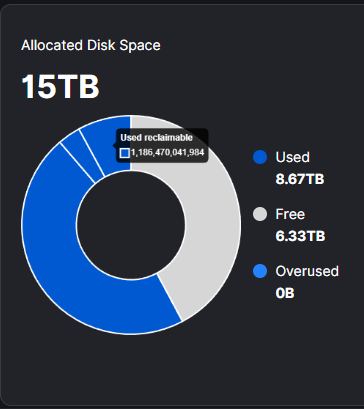
Are you experiencing compaction-related errors in your logs?
What are your configuration settings for this, or are they set by default?
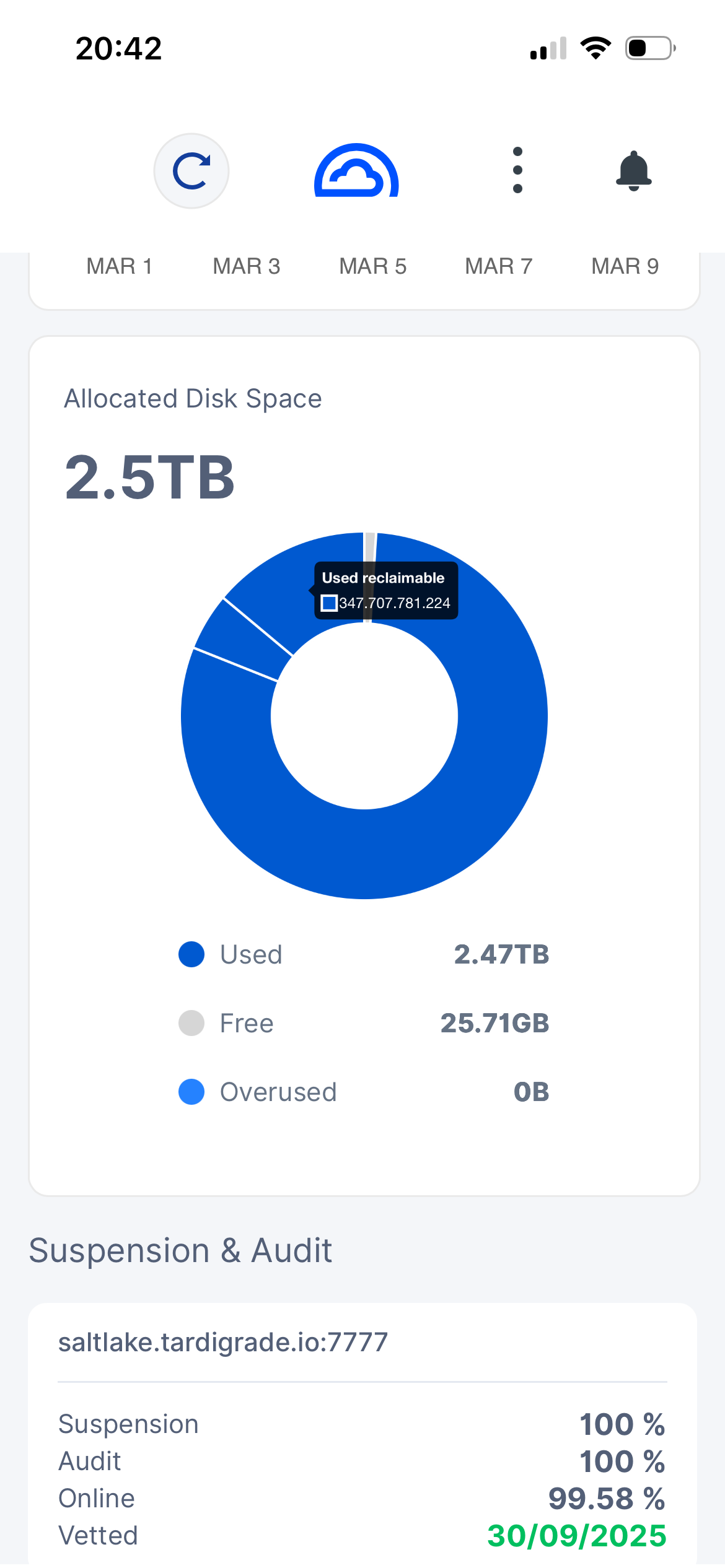
Not seeing any errors in the logs. All settings for hashstore are the defaults. All the messages relating to compaction appear to be normal.
Are there any particular settings you need to see.
Cheers.
No, if they are default, they should be optimal.
Hello @jelindsey,
Welcome to the forum!
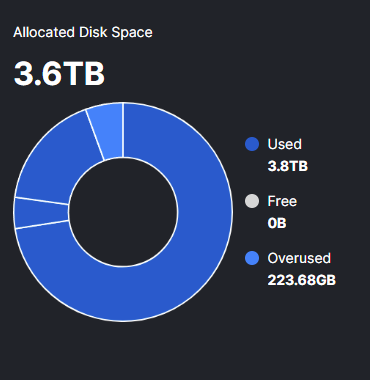
Which translated to 3,798 GB of used space. Windows displays the used space in binary format, but uses the wrong units - TB instead of the actual TiB used.
Settings are default, load is not high. no errors in logs… still :
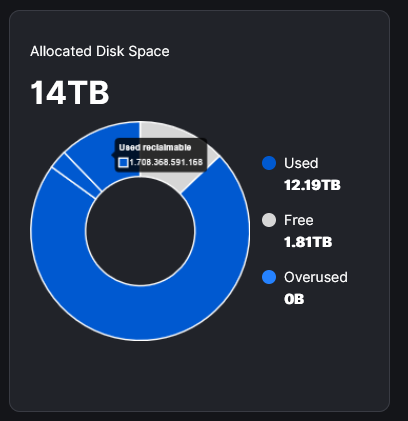
I find 1.7T a lot of reclaimable space that should be picked up and cleaned.
for now it isn’t an issue on this node as is still has space available. BUT…:
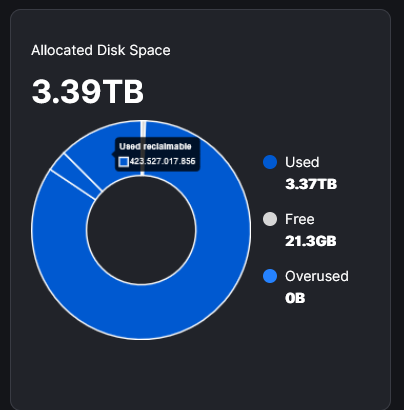
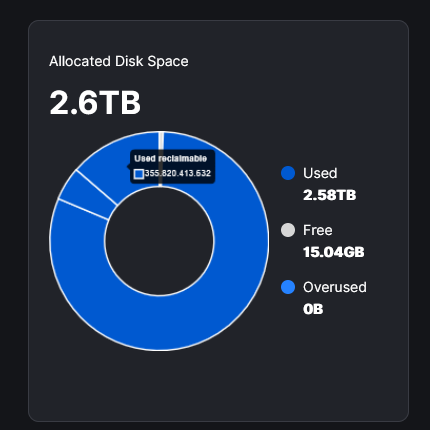
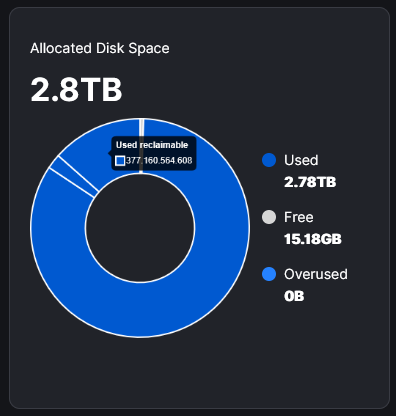
These are full now… still there is enough space available for compaction… but is just doesn’t do that much i feel like.
You may adjust parameters for the compaction.