It’s normal behaviour. Just let the node work for a few hours if not even days. You should see few GB of usage then.
try the latest version of the app
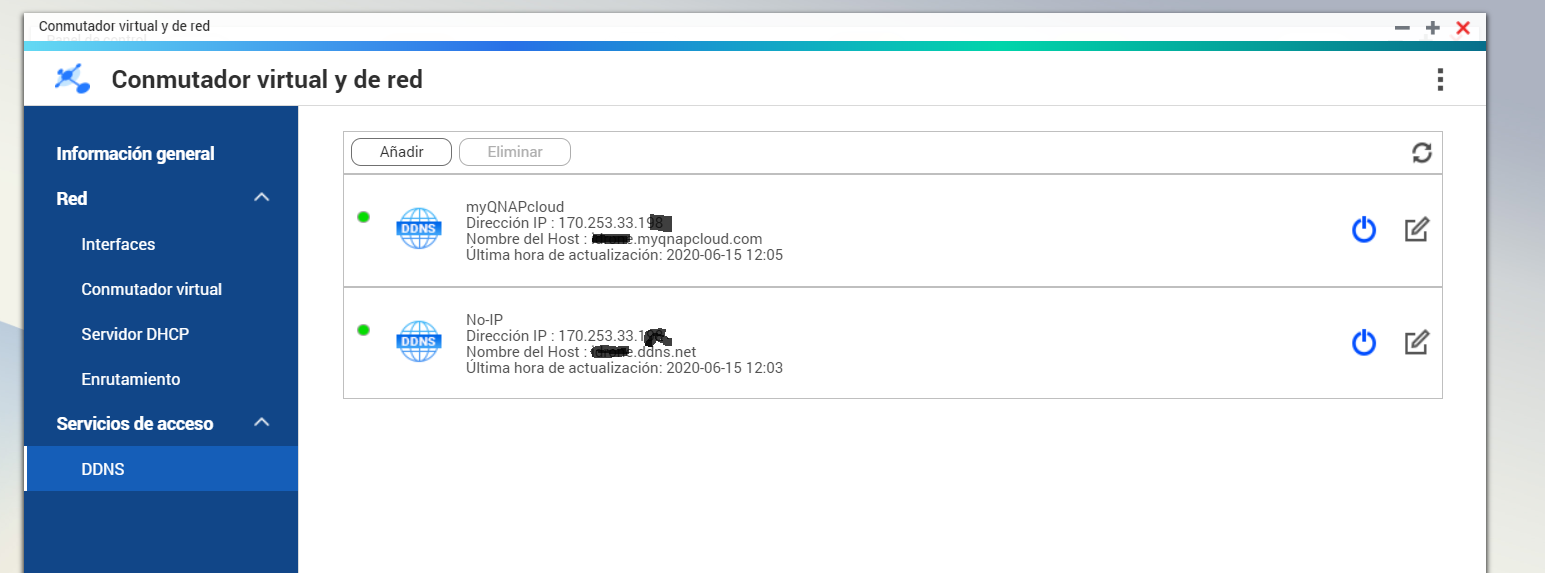
Create a No-IP account for port forwarding, you have to restart it every month, I have it configured on my node. Soon after I have seen that Qnap has a service like this of a free type and at no cost. can I include xxx.myqnapcloud.com in my node? will I interrupt the service of this?
Thank you!
Yes, you can replace no-ip with ^ but make sure its working perfectly.
Only till you change from No-IP to qnap version of it 
Good luck 
is the QNAP app only for MAC? or also for WINDOWS user?

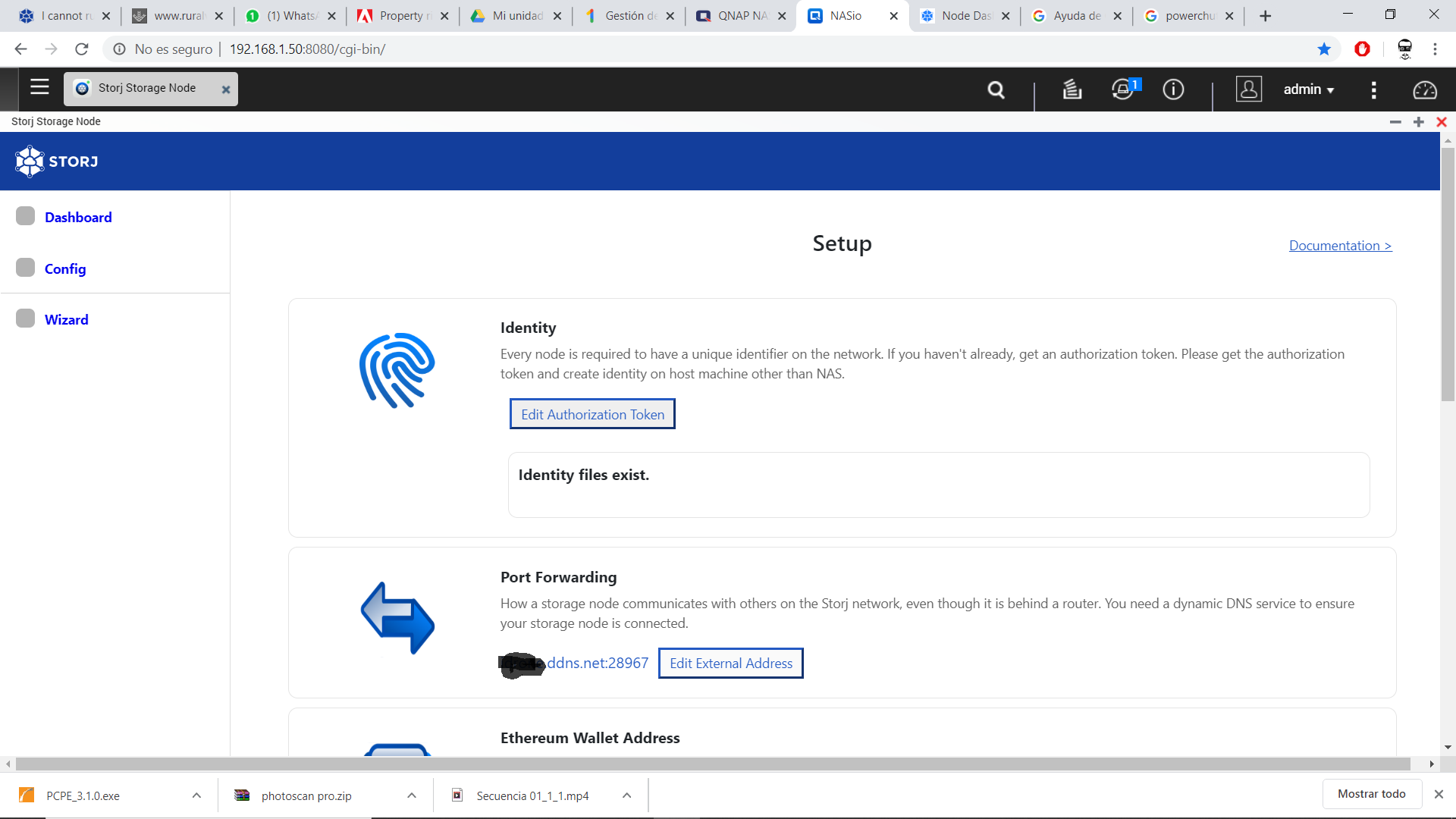
Yes, replace the external address in the settings and click “Update My Storage Node”
Hello! I just joined your forum to report my problems too …
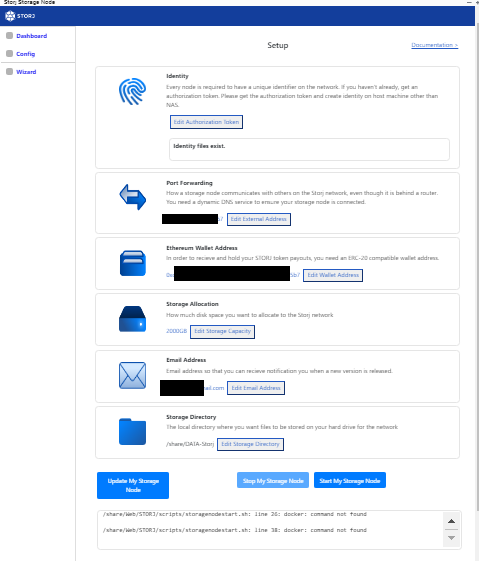
I tried to install the app in my QNAP TS-332X but as a result it gives me in /var/log/ STORJ
    [Identity] => /share/CACHEDEV1_DATA/Public/identity
    [AuthKey] =>
plxxxxxxxx@gmail.com:1VYjrrsDYUaFTxTxxxxxxxxxxxxxxxxxxxxxxxxxxxxxxxxxxxxxxxxxx
    [Port] => 77.xxx.xxx.xxx:28967
    [Wallet] => 0xc9fxxxxxxxxxxxxxxxxxxxxxxxxxxxxxx
    [Allocation] => 2000
    [Email] => plzxxxxx@gmail.com
    [Directory] => /share/CACHEDEV3_DATA/DATA-Storj
    [last_log] => /share/Web/STORJ/scripts/storagenodestart.sh: line 26: docker: command not found

/share/Web/STORJ/scripts/storagenodestart.sh: line 38: docker: command not foundDo you have container station installed on your system? If not, you should install it.

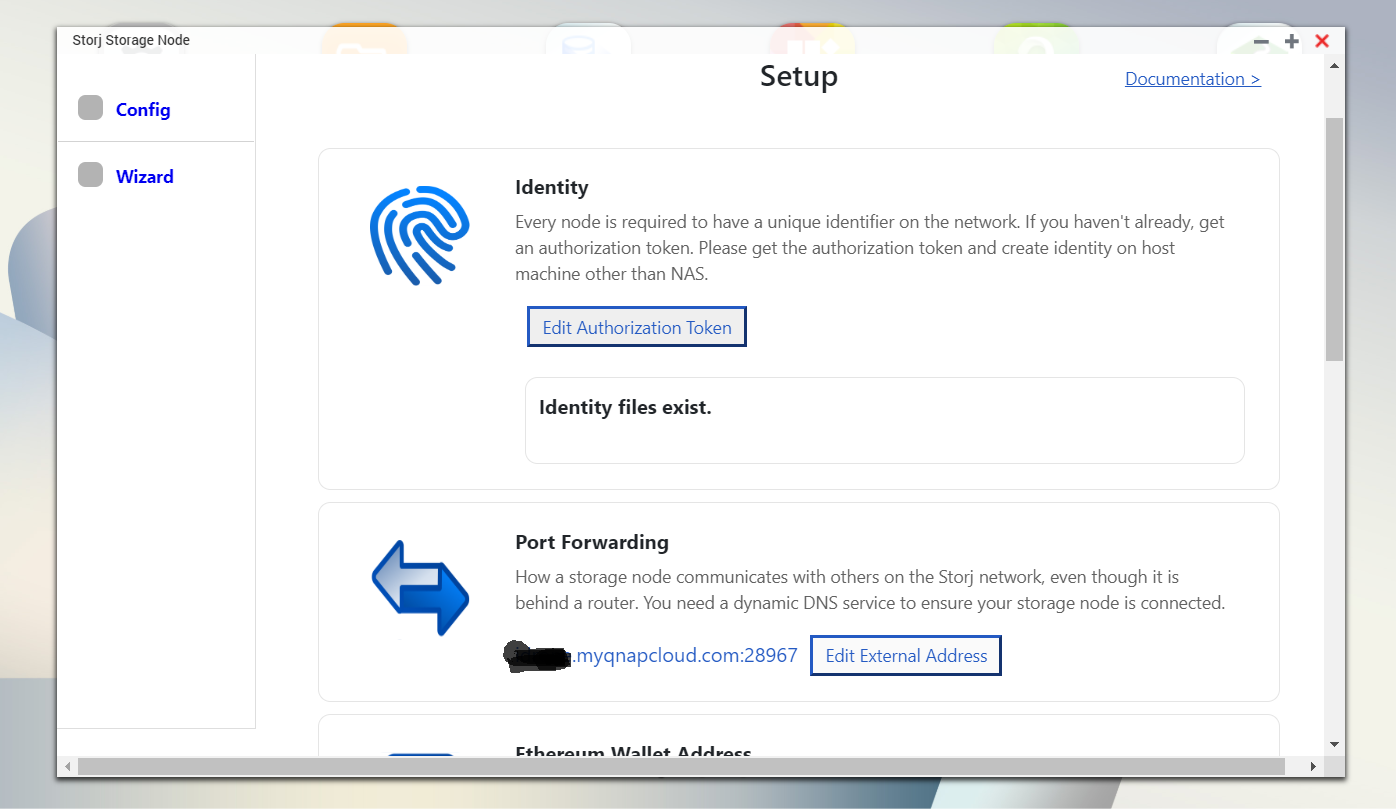
I still don’t understand … do I have to download both apps or just one?
From here:
Releases · storj-thirdparty/qnap-storagenode-app · GitHub … where the last one is [V1.0.2]
or from here?
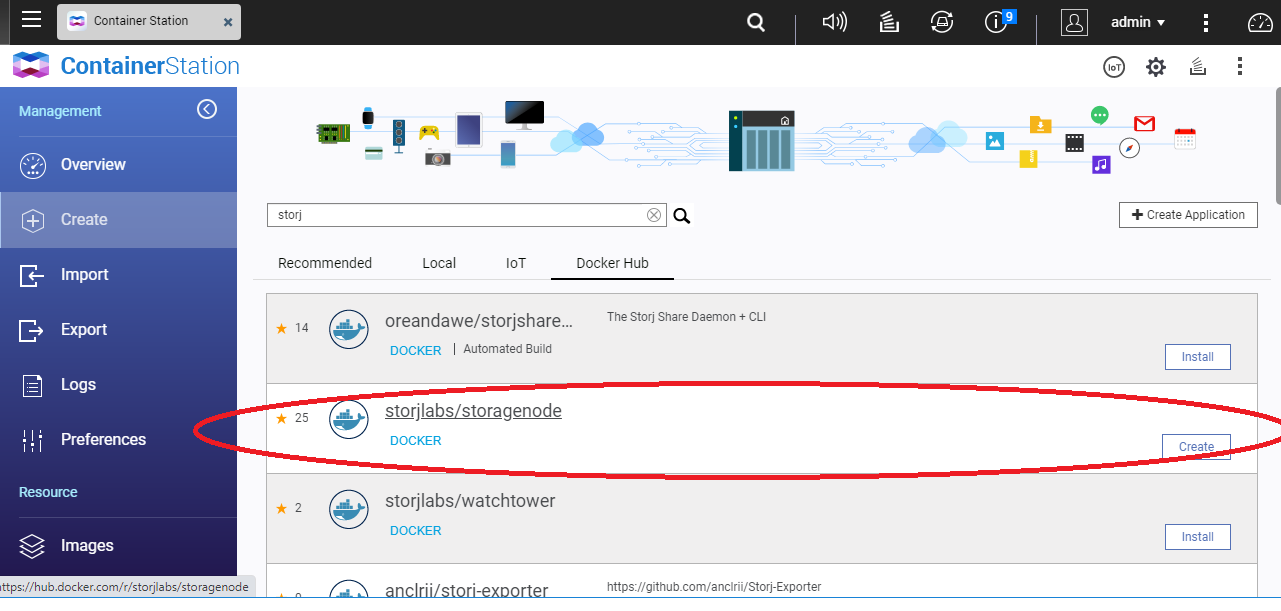
However I have tried both … for the first it does not recognize the commands with the error already presented and for the second I have not yet understood how all the settings must be done.
The identity process has already been done on another linux and arrived at dificulty 36 and after I transferred the certificates that are recognized … But besides this, the procedure for the first app leads to the error and for the second from the docker they are not still managed to configure …
… where the last one is [V1.0.2]
This latest version facilitates the creation of identity routes.
it is better to delete the images and installations of Docker since the APP also generates them in its installation process
I tried to do so but then I can’t find any app in the startion container … In addition, the app [1.0.2] that I install also with the video guide from the -AppCenter- does not recognize the docker commands … giving launch error:
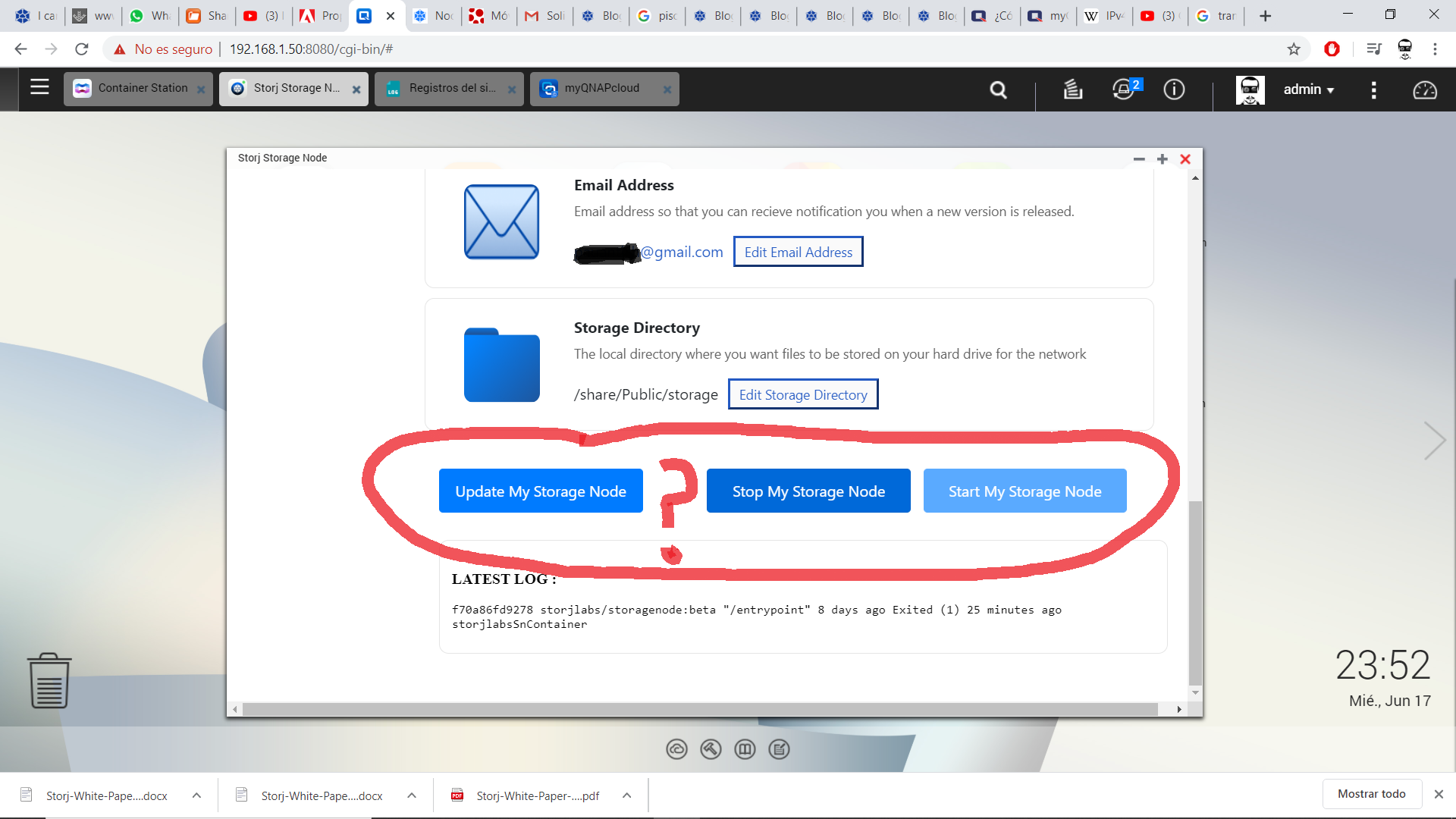
**LATEST LOG :**
`/share/Web/STORJ/scripts/storagenodestart.sh: line 26: docker: command not found/share/Web/STORJ/scripts/storagenodestart.sh: line 38: docker: command not found`Post app image by hiding wallet and identity info