New Satellite just opened! Join my Tutorial Satellite! TODAY!

Hi, I open a test satellite, please join my satellite! :smiley:

Why should I? What in it for me?

I’m glad you asked! If you are here, you are most likely a storage node operator? So am I.

Storj exist for quite a while now but there are no public community satellite mention anywhere.. and I’m looking to change that.

As of this moment, I’m is the only shop in town writting how to run a satellite, it will serve as a stepping stone for some daring individual hosting a satellite in the future.

But! There always a but.. some knowledge can only be acquired by actually hosting a satellite, I need your help to continue writting this tutorial.

Think of this as an investing into your own future, more polished tutorial, more satellite pop up, more competition, more option to choose, more power to you!

This help Storj too actually, decentralized storage faith can spread further, it could even take customer from hyperscaler.

And what in it for you?

My far-fetched plan is to host a commercial satellite, but that depends on how thing go, for now, first priority will go to this tutorial.

So what exactly I need to do?

You can participate by becoming a user (https://tutor.storkspace.net) or a storagenode operator.

There are 2 ways to join as storagenode operator:

  1. Use your current node: edit config.yaml file, uncomment and change
    storage2.trust.sources to become storage2.trust.sources: https://www.storj.io/dcs-satellites,https://static.storkspace.net/dcs-satellites then restart the node.

  2. Create a new node (Storage Node Getting Started - Storj Docs) with one important notice: if you want this node to ONLY connect to this tutorial satellite, use docker method AND remember to edit config.yaml trust source become storage2.trust.sources: https://static.storkspace.net/dcs-satellites BEFORE run node for the first time. Meaning: between step 2 and step 3 in Storage Node - Storj Docs.

Anything special about this satellite?

  • Max 2 projects (for automatic encrypt and self managed).
  • 15GB storage per project.
  • 100GB bandwidth.
  • 10_000 segments.
  • DM me if you need more bandwidth/project or space to test.
  • Register user will auto become pro user (but you don’t have to pay).
Thanks for reading (and considering!).

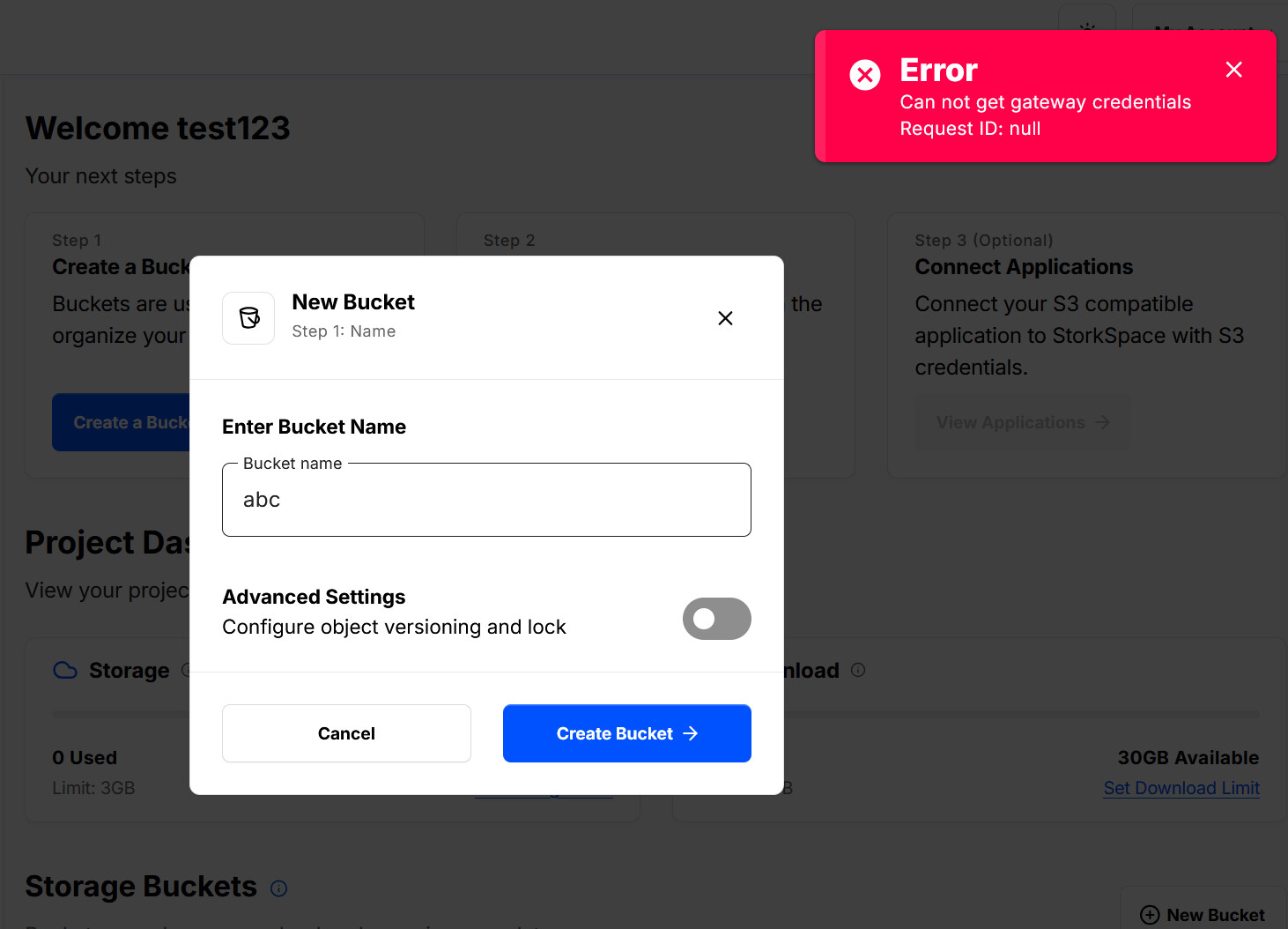
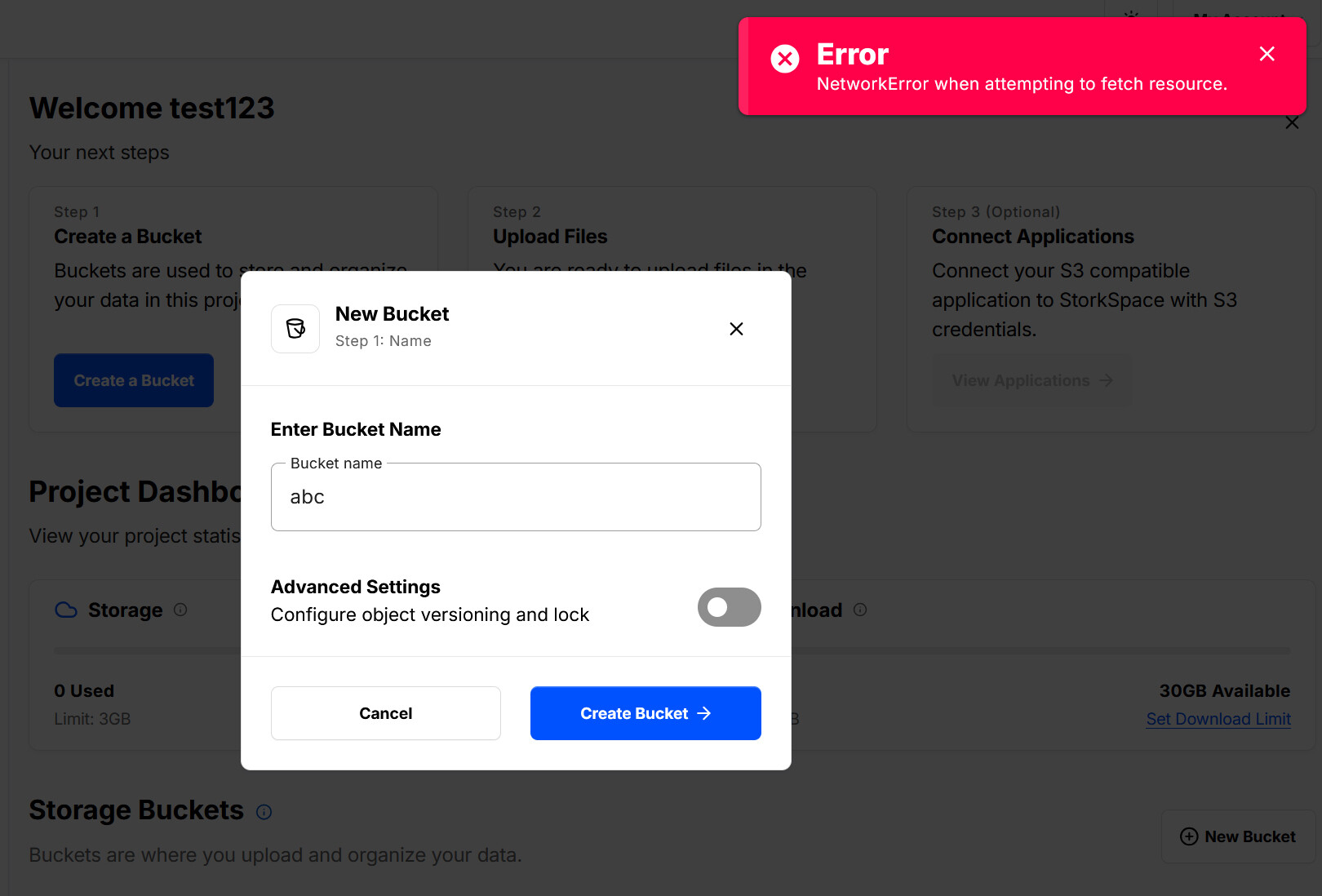
I registered but can not create a bucket.

Sorry, was a bit hungry so I go and eat first, fixed, thanks! This bug will go to the tutorial.

Still not working but new error message.

Could you Ctrl+F5 (or F12, network tab → disable cache)

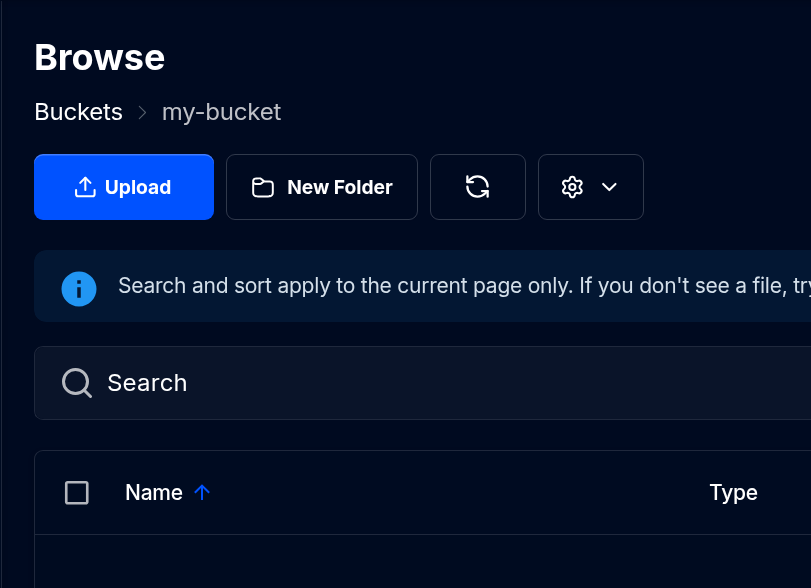
Ctrl+F5 was succesful. Bucket created.

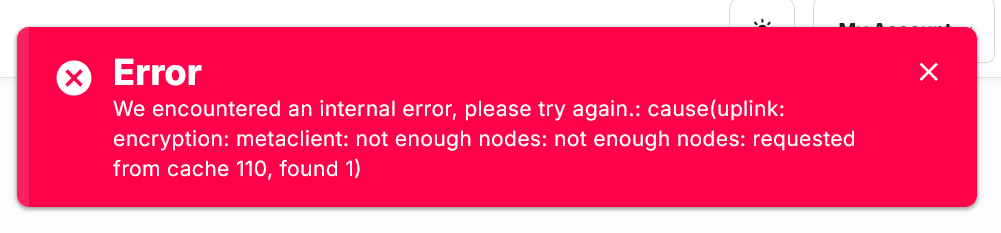
When drag&drop a file I get this:

Thank you, let me see it, anw, could DM me (if you prefer), I could support faster easier for other to follow :smiley:

How many nodes do you have atm? Since this is only a test satellite I would use much lower RS settings… :thinking:

BIG THANKS to @Th3Van, he use 264 nodes (and I use 2 - because of /24), so it is enough, I use default RS.

Funny I did research a little about RS, it can be mix and match, even per bucket RS, and a lot more, still not know enough to start writting about it.

P/s: actually, let me check, it seem gateway say not enough nodes.

Seeing the same here.

This satellite needs more nodes.

so, i tried adding some space, but…

.2026-07-23T09:31:56Z ERROR contact:service ping satellite failed {"process": "storagenode", "satellite_id": "12kK7Y15fU1b5YADDQiBj2Dd4WsF1LARVWHpW6nXRcusV3wiRZD", "attempts": 2, "error": "ping satellite: failed to ping storage node, your node indicated error code: 0, rpc: tcp connector failed: rpc: tls peer certificate verification: not signed by any CA in the whitelist: CA cert", "errorVerbose": "ping satellite: failed to ping storage node, your node indicated error code: 0, rpc: tcp connector failed: rpc: tls peer certificate verification: not signed by any CA in the whitelist: CA cert\n\``tstorj.io/storj/storagenode/contact.(*Service).pingSatelliteOnce:232\n\tstorj.io/storj/storagenode/contact.(*Service).pingSatellite:169\n\tstorj.io/storj/storagenode/contact.(*Chore).updateCycles.func1:89\n\tstorj.io/common/sync2.(*Cycle).Run:102\n\tstorj.io/common/sync2.(*Cycle).Start.func1:77\n\tgolang.org/x/sync/errgroup.(*Group).Go.func1:93``"}
tls certs and stuff are tied to the id generation process on the nodesite, if i didnt get that wrong, also i did not find a config key that would allow me to “ignore” invalid certs…

My node seems to be working fine and I get reputation updaten and no errors:

2026-07-23T10:52:21Z    INFO    reputation:service      node scores updated     {"process": "storagenode", "satellite_id": "12kK7Y15fU1b5YADDQiBj2Dd4WsF1LARVWHpW6nXRcusV3wiRZD", "total_audits": 0, "successful_audits": 0, "audit_score": 1, "online_score": 1, "suspension_score": 1, "audit_score_delta": 1, "online_score_delta": 1, "suspension_score_delta": 1}

did you do anything else than adding https://static.storkspace.net/dcs-satellites to the trust sources?
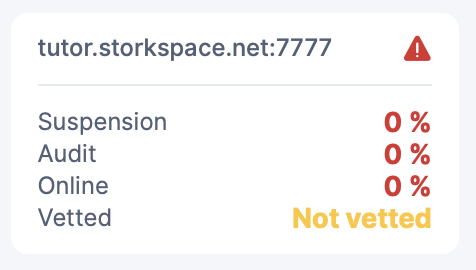
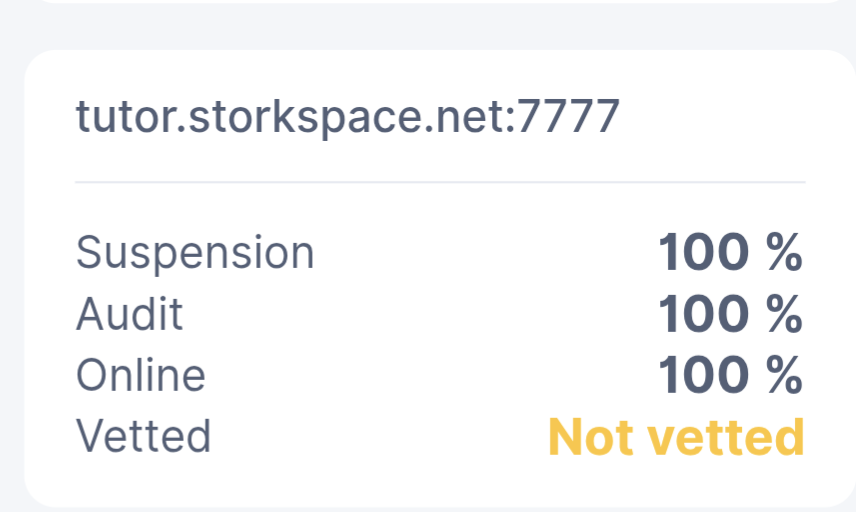
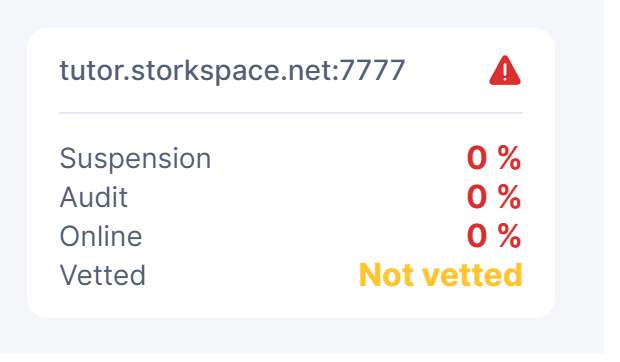
edit: just seen…the values you are being shown are 0…so nothing actually happened yet :smiley:

I joined with 3 nodes but all I can see is this:

There is no new satellite directory at the ./storage/hashstore path?

Hi, just back home, I’m investigating, got an idea what is going on but need to be sure.

No, i just added the nodes. No errors in log.

Scores updated from 0 to 100% so for me it’s an indication that communication is working.

Do you have most recent certificates installed?

Закинул 1 ноду , ждем )

I think this is the relevant commit storagenode/peer: don't require CA whitelist any longer · storj/storj@1d63395 · GitHub,
storagenode: full modular executor for 'storagenode exec' · storj/storj@0d0d355 · GitHub (show full code in mud.go to see config.UsePeerCAWhitelist = false)

I’ve manually check that, but I need confirmation from Claude, run out of token atm, so will confirm back in a few hours with how to fix this, in the mean time, could you show me what the result of this?

cat config.yaml | grep peer
# if true, client leaves must contain a valid "signed certificate extension" (NB: verified against certs in the peer ca whitelist; i.e. if true, a whitelist must be provided)
# path to the CA cert whitelist (peer identities must be signed by one these to be verified). this will override the default peer whitelist
# server.peer-ca-whitelist-path: ""
# server.peer-id-versions: latest
# if true, uses peer ca whitelist checking
# server.use-peer-ca-whitelist: true

For me, it all comments, do you manually turn comment server.use-peer-ca-whitelist on?