As far as the records are concerned, I mean, does the program program the elements to or does it wait for them in another location?
The error I get is the following: “The program cannot be started because ------------- is missing on the computer. Try reinstalling the program to correct this problem.” The python tool is not integrated in the package?
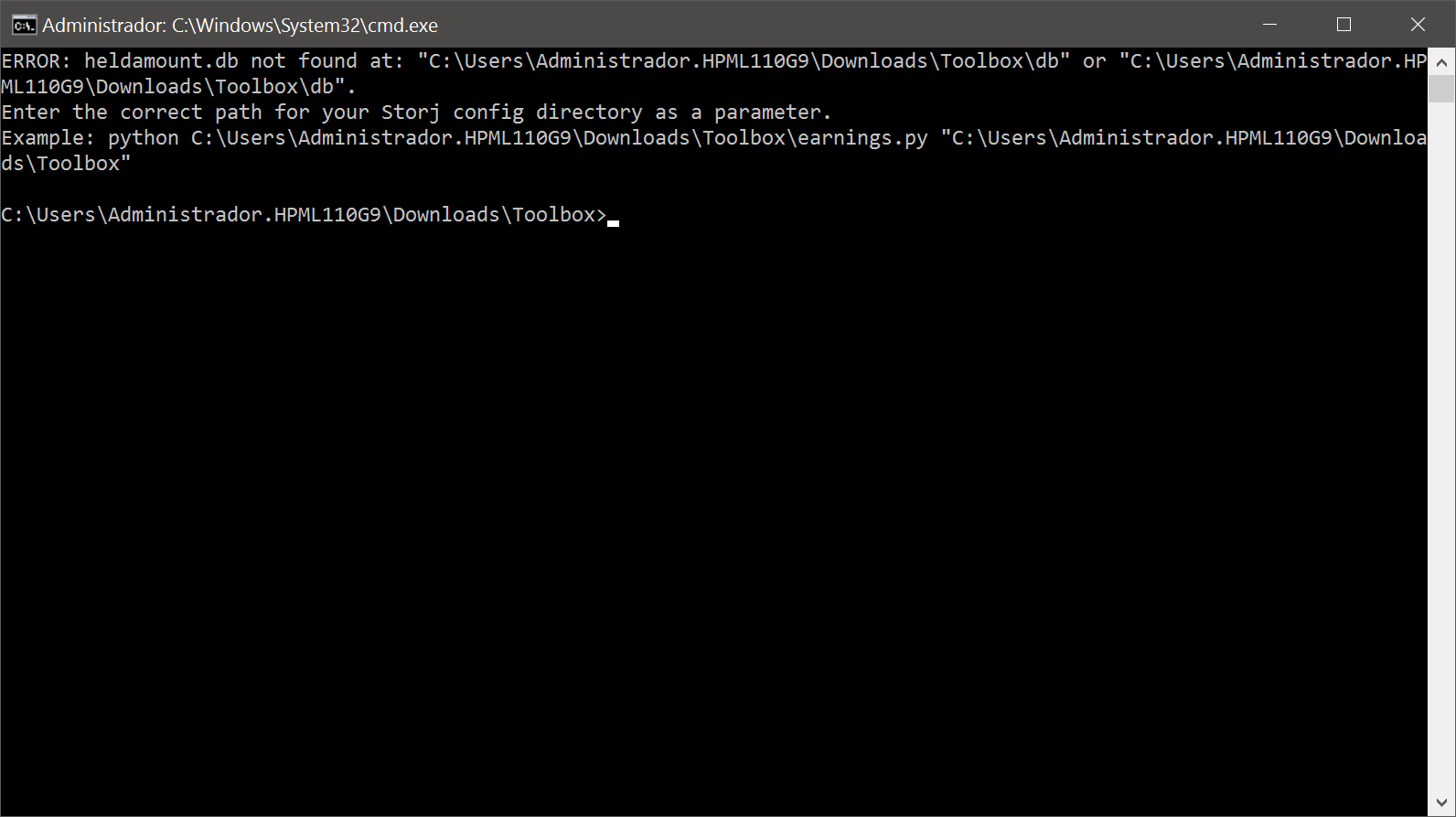
I have installed the two x86 and x64 packages of Microsoft Visual 2019, just as the article you sent me says. Now I don’t get the message. But I get this error:
He’s on a server, and I’m administering it as an administrator. He is with all the default paths when installing the node. When you run the benefit calculator, you have to tell it some path or something before? No. I just mark the node at the top, and give it a chance to run the calculator.
All I can tell you is that the earnings calculator expects a path to the storage location as a first parameter and uses the current working directory if none is provided. But I don’t know how this path is passed through to the script by the Toolbox. @Vadim can you clarify how @Robertomcat should specify this path?
Thank you. Yes, that’s what I asked in previous messages, about whether to specify a route or something, although perhaps I didn’t express myself very well and what I meant wasn’t understood.
Ok i found problem, new earnings.py want also heldamount.db, so added this also, and added manual path selecting to Db, as they can be everywhere today. @Robertomcat you can download new one and try.
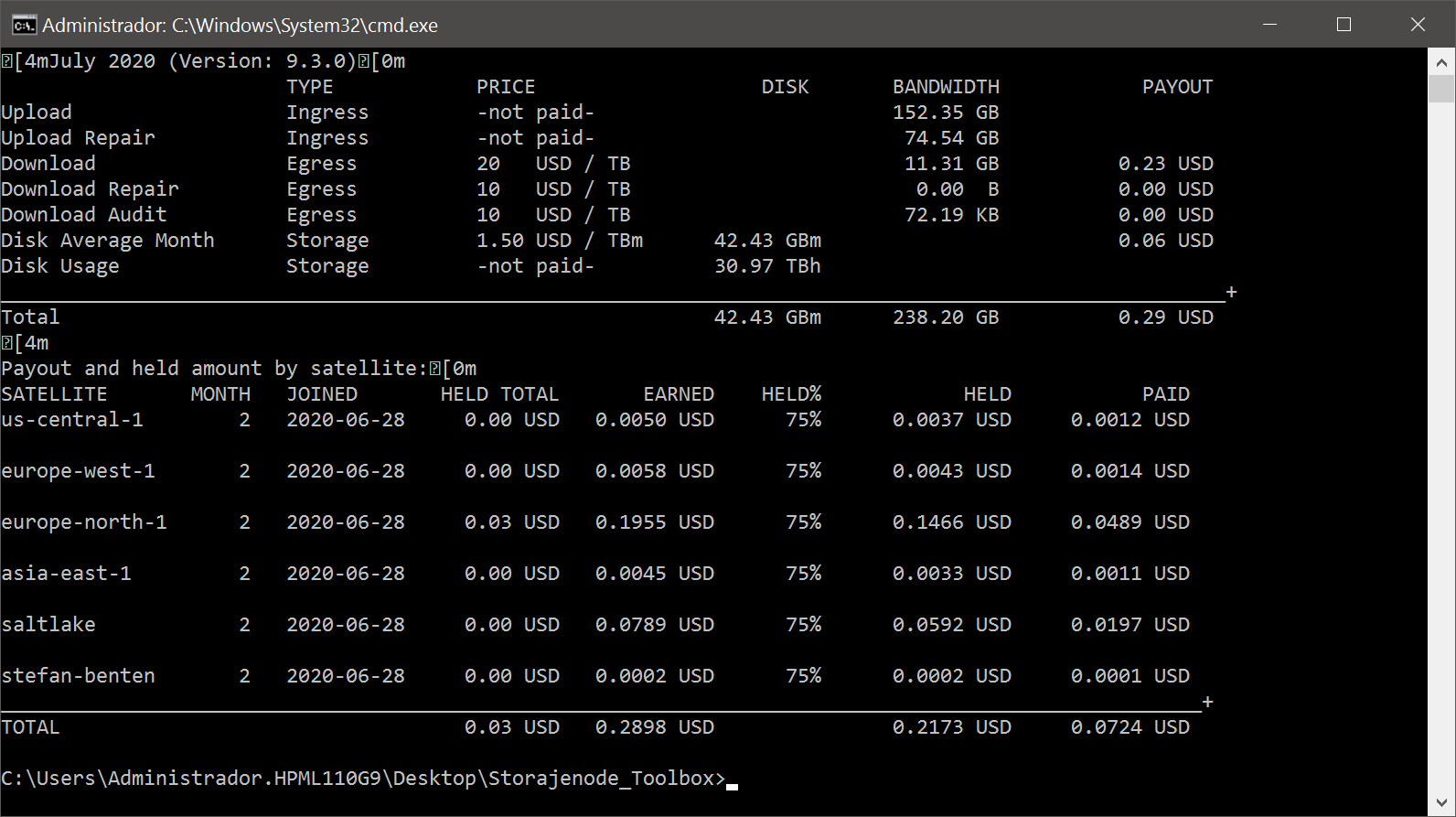
That looks like it was run with a specific month parameter. If you run the script like that it thinks your looking at historic data and won’t include the reputation info, current disk space used and end of month predictions.
Omit the month parameter and you get all the current info.